Today aircle about Grocery List Apps That Sync Across Devices in this article i will show you some playstore apps.
A Small Problem That Repeats Every Week
It usually begins the same way.
A thought, half-formed.
Milk. Or onions. Or something you forgot again.
You tell yourself you’ll remember.
Sometimes you do.
Often, you don’t.
The problem isn’t groceries.
It’s memory.
And the quiet friction of living with other people, other schedules, other devices.
Grocery list apps that sync across devices exist for this exact reason.
Not to optimize your life.
But to remove one small, repeating weight.
Why Syncing Matters More Than Features
When Lists Live in Too Many Places
A note on the fridge.
A reminder in your phone.
A message sent but never read.
None of these talk to each other.
When lists don’t sync, they multiply.
And with them, the mental noise.
You’re never sure which one is right.
The Quiet Relief of One Shared Truth
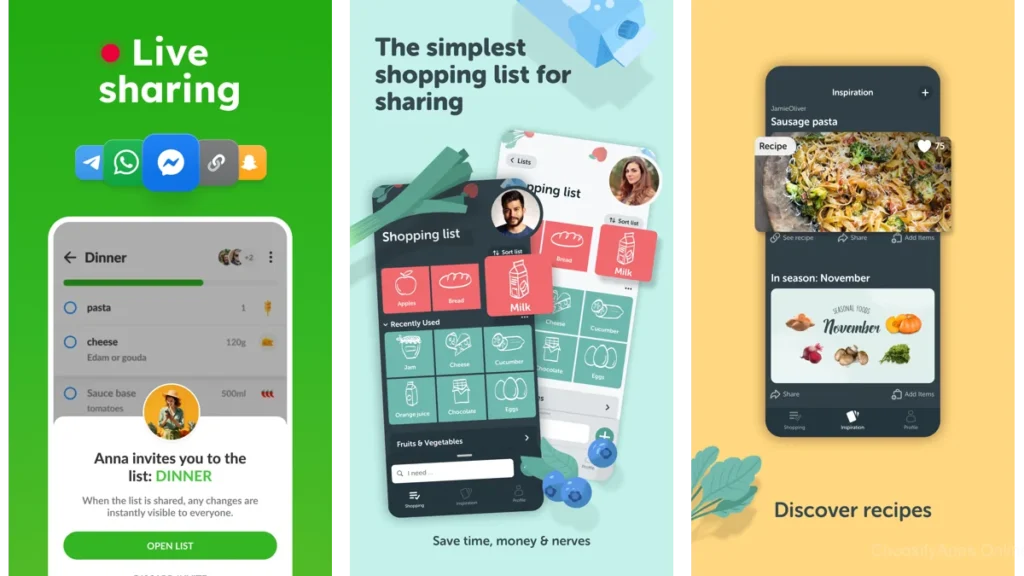
Syncing creates a single source of truth.
One list.
Always current.
Always there.
Someone adds eggs at home.
You see it at the store.
No messages.
No checking.
No follow-ups.
Just trust.
What Makes a Grocery App Feel Calm
Sync Without Asking
The best apps don’t announce syncing.
They simply do it.
You open the list.
It’s already updated.
Design That Stays Out of the Way
Calm apps don’t compete for attention.
They use space well.
They avoid clutter.
They let the list breathe.
Technology That Knows When to Be Silent
Notifications are rare.
Choices are simple.
The app steps back once the task is done.
Listonic — Light, Fast, Uncomplicated
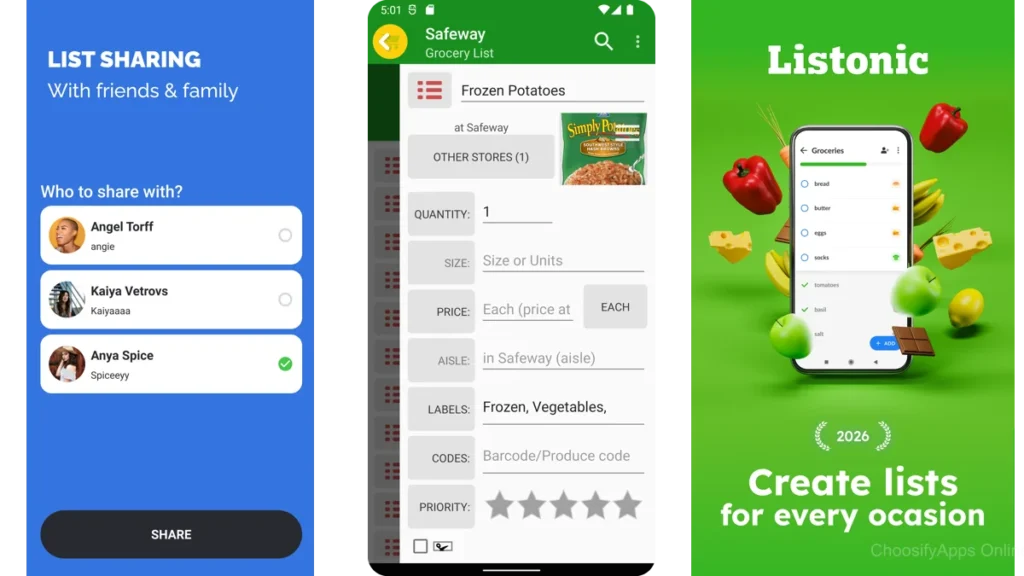
Listonic feels like a piece of paper that learned how to travel.
You open it.
You add items.
You share the list.
That’s it.
Syncing happens quietly in the background.
No setup rituals.
No friction.
Who Listonic Is Best For
People who want groceries to stay boring.
If you like clarity, speed, and nothing extra, Listonic feels natural.
AnyList — When Planning and Shopping Meet
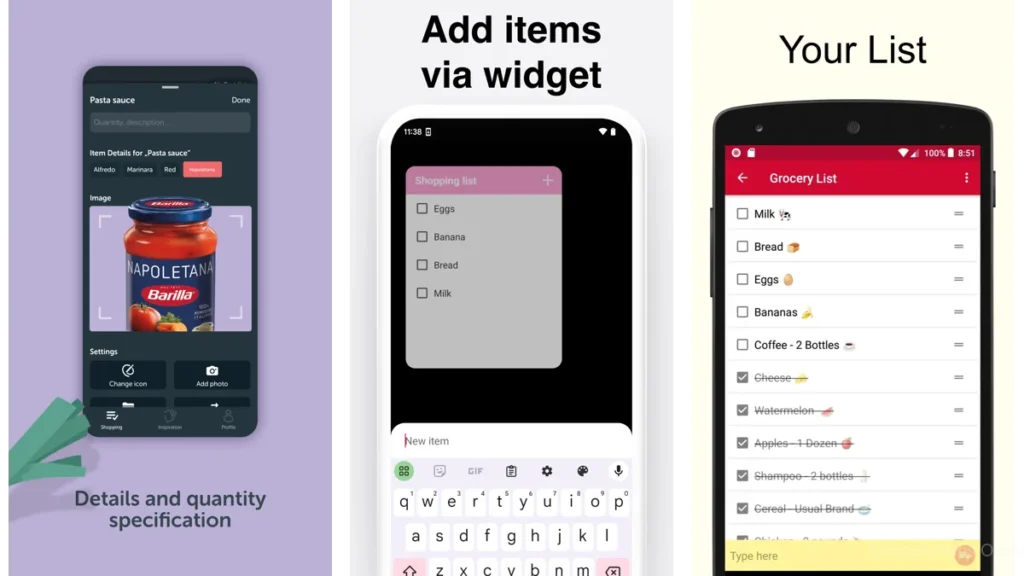
AnyList carries a little more weight.
It understands that groceries don’t appear randomly.
They come from meals.
From habits.
Recipes flow into lists.
Lists sync across devices without ceremony.
Who AnyList Feels Right For
If you plan dinners even loosely, AnyList gives structure without pressure.
It feels thoughtful.
Measured.
Intentional.
Our Groceries — Built for Shared Households
Our Groceries understands households.
Not individuals.
Not power users.
Just people sharing space.
When someone checks off an item, it disappears everywhere.
Immediately.
Where Our Groceries Feels Most Natural
Families.
Roommates.
Partners who divide errands.
It doesn’t try to be elegant.
It tries to be dependable.
And it is.
Bring! — Visual, Collaborative, Immediate
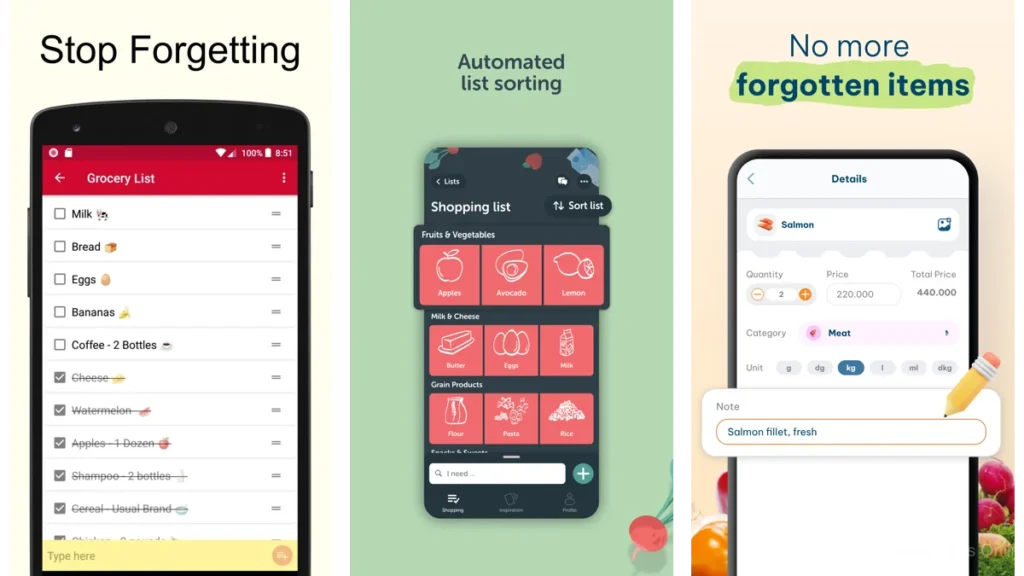
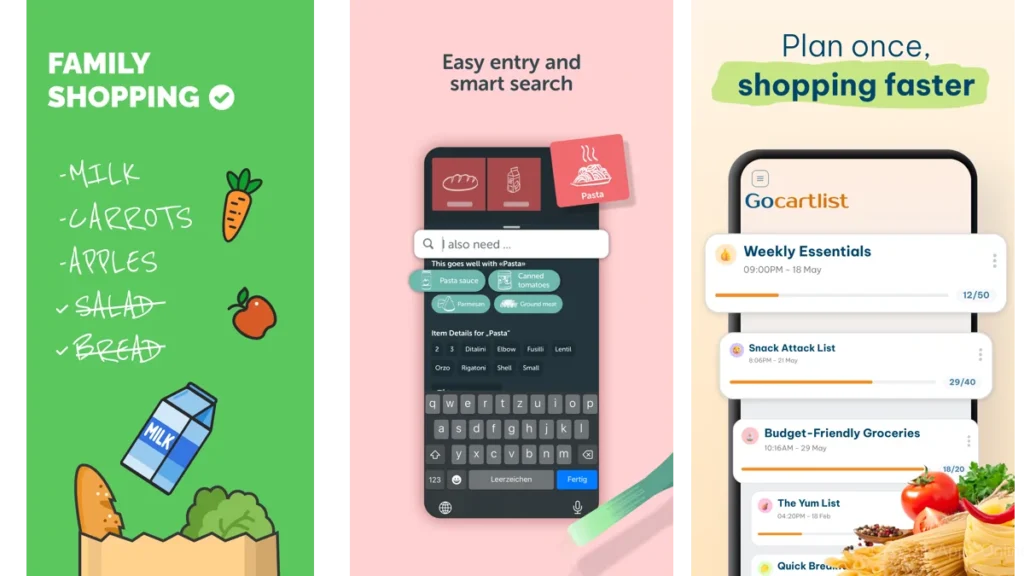
Bring! is more expressive.
Items feel visual.
Almost tactile.
Sharing lists feels social, but not loud.
When Bring! Makes Sense
If you like visual cues and shared responsibility, Bring! adds a sense of presence to shopping.
It feels alive, without being chaotic.
Google Keep — The Accidental Grocery Companion
Google Keep was never meant to be a grocery app.
But it works.
Shared notes sync instantly.
Everyone already has it.
There’s nothing new to learn.
Why Some People Prefer This Simplicity
Because it doesn’t ask for commitment.
It’s just a list.
Shared.
Reliable.
A Gentle Comparison
| App | How It Feels | Best For |
| Listonic | Quiet and fast | Minimalists |
| AnyList | Thoughtful and structured | Planners |
| Our Groceries | Solid and shared | Families |
| Bring! | Visual and lively | Collaborative homes |
| Google Keep | Invisible and familiar | Simplicity seekers |
Which One Should You Choose?
If You Shop Alone
Listonic or Google Keep.
If You Share a Home
Our Groceries or Bring!.
If You Plan Ahead
AnyList.
If You Just Want Less Noise
Choose the app that asks the least of you.
Practical Advice for Using Shared Grocery Lists
Keep the List Short
Long lists create resistance.
Add only what matters.
Let the App Do the Remembering
Trust the sync.
Stop double-checking.
Don’t Over-Organize
Groceries are temporary.
Your attention isn’t.
When the App Disappears, It’s Doing Its Job
The best moment is when you stop thinking about the app.
When the list guided you quietly.
When nothing was forgotten.
And nothing demanded attention.
Conclusion — A Little More Space in Your Head
Syncing grocery lists isn’t about efficiency.
It’s about relief.
One less thing to remember.
One less conversation.
One less small failure.
These apps don’t promise more.
They promise enough.
And sometimes, that’s everything.
Frequently Asked Questions
Do grocery list apps sync in real time?
Yes. Most shared apps update instantly across devices.
Can multiple people edit the same list?
Yes. That’s their quiet strength.
Do I need an account to sync?
Usually, yes. It keeps the list anchored.
Are these apps complicated to set up?
The best ones take minutes.
Which app is the simplest overall?
Listonic or Google Keep.