Today topic for those peoples who want to Book Reading Apps With Distraction-Free Mode.
A Quiet Problem We Don’t Talk About
Most reading doesn’t fail because the book is bad.
It fails because the space is wrong.
We open a book on our phone, already tired.
Already full.
Already carrying too much noise.
A banner slides down.
A vibration taps the edge of the moment.
The page never really settles.
Reading used to be a room.
Now it’s often a hallway.
This is why distraction-free reading matters.
Not for productivity.
For relief.
What “Distraction-Free” Actually Means
Distraction-free doesn’t mean empty.
It means intentional.
Less Interface, More Page
Good reading apps know when to disappear.
Menus step aside.
Icons fade.
The page becomes the main event again.
Silence as a Design Choice
No pop-ups.
No badges.
No reminders that you could be doing something else.
Silence is not accidental.
It’s built.
Reading Without Being Pulled Away
The best apps don’t reward speed.
They don’t count streaks loudly.
They let you stop mid-sentence and come back tomorrow.
Why Android Readers Need Calm More Than Ever
Android phones are powerful.
Flexible.
Busy.
They do everything well, all at once.
A good reading app on Android understands this tension.
It doesn’t fight the system.
It creates a pocket of stillness inside it.
The Shape of a Good Reading App
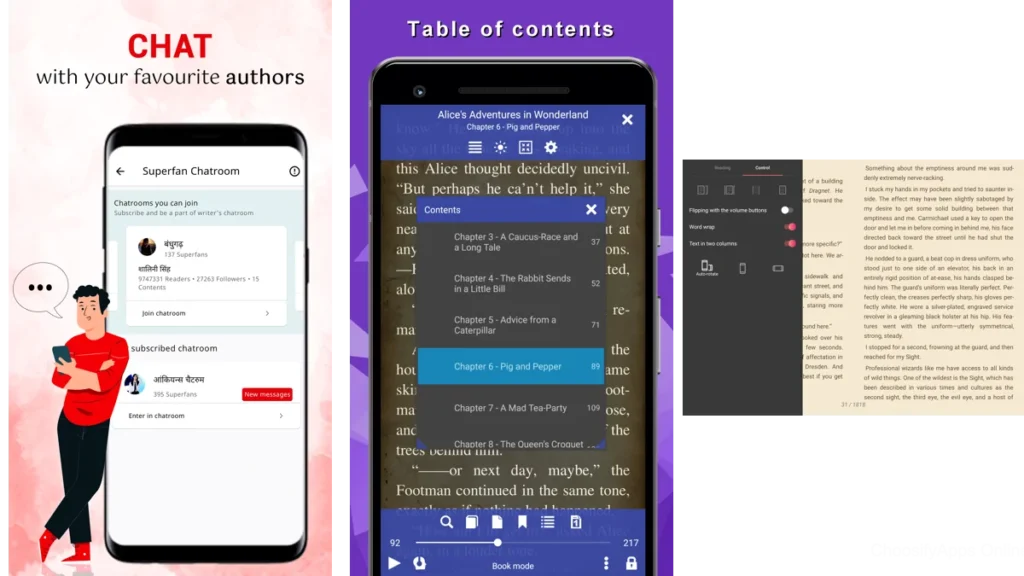
Full-Screen Focus
The page fills the display.
Navigation hides until invited.
Gentle Customization
Fonts that don’t shout.
Margins that breathe.
Backgrounds that rest the eyes.
Nothing Asking for Attention
No ads.
No achievements.
No urgency.
Just text.
The Apps That Keep Their Voices Low
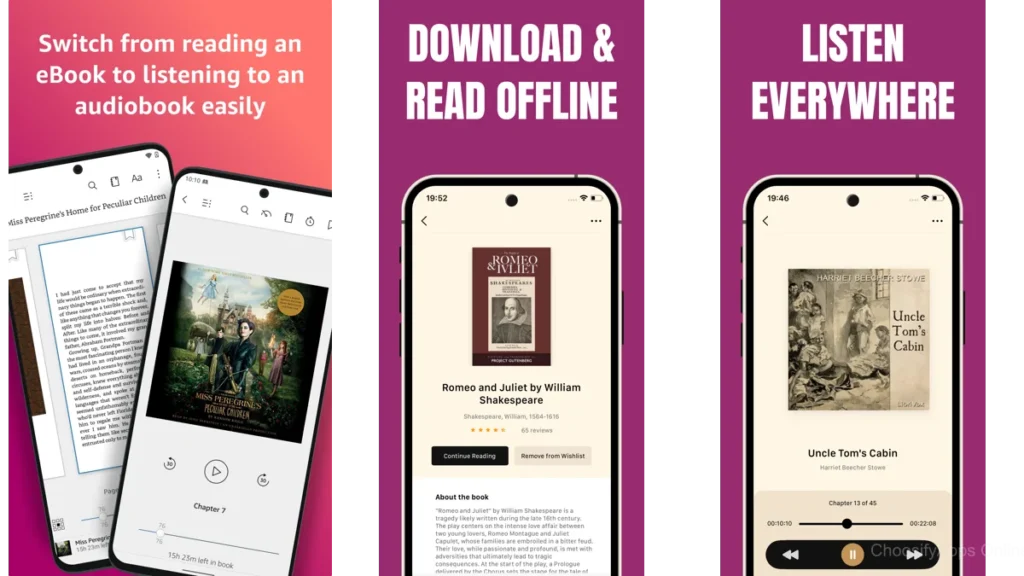
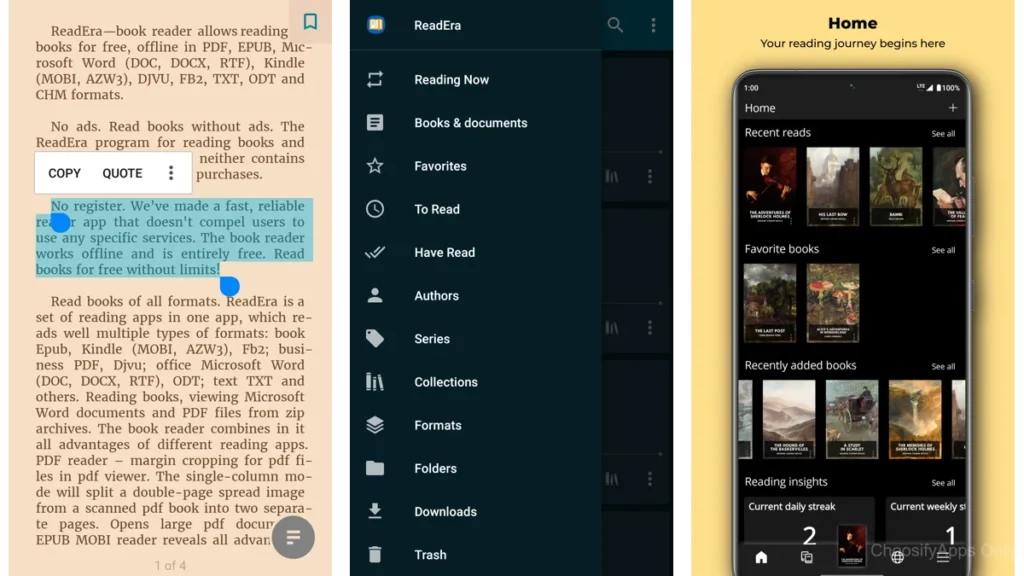
ReadEra — A Blank Desk and a Good Lamp
ReadEra feels like clearing a desk before work.
No ads.
No accounts.
No prompts.
You open a book and it opens quietly with you.
Offline by default.
Full-screen without fuss.
Readers often describe it as invisible.
That’s praise.
Libby — The Digital Quiet of a Public Library
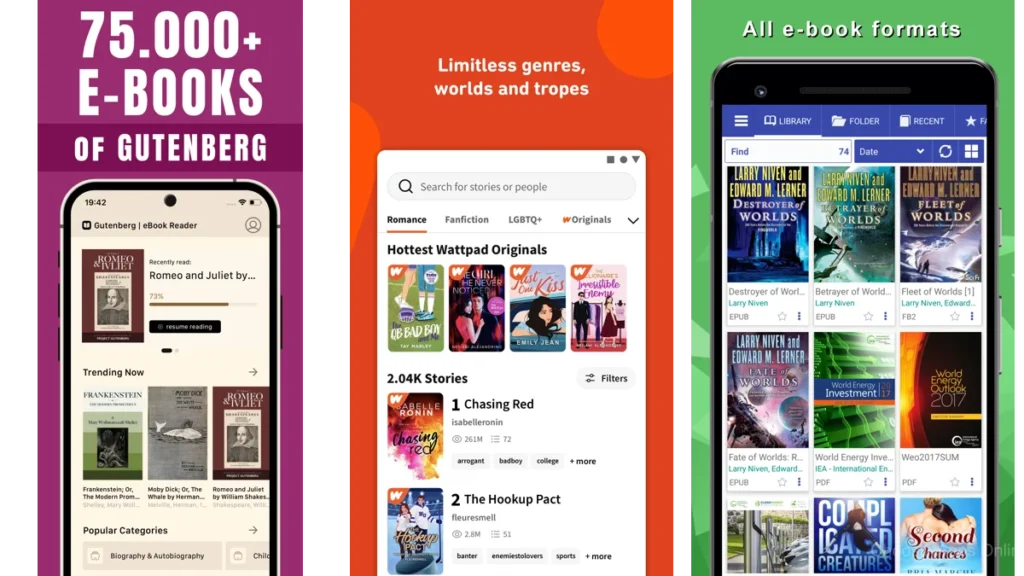
Libby doesn’t rush you.
It feels borrowed, not owned.
Temporary in a comforting way.
Margins are soft.
Controls are patient.
You read knowing nothing is being sold to you mid-page.
Moon+ Reader — When You Control the Light
Moon+ Reader is for readers who know exactly what they need.
You adjust everything.
Then you lock it down.
Once set, it becomes deeply quiet.
Like closing the door and dimming the lamp just right.
FBReader — Familiar, Steady, Unrushed
FBReader doesn’t try to impress.
It feels like an old chair.
Not perfect.
But known.
It stays out of the way and lets the story carry the weight.
Librera — Text First, Everything Else Later
Librera respects documents.
PDFs don’t feel like battles here.
Customization exists but stays behind the curtain.
The reading experience is clean.
Predictable.
Unassuming.
Aldiko — A Traditional Reading Room
Aldiko feels familiar to long-time digital readers.
Day and night modes.
Simple shelves.
Nothing theatrical.
It doesn’t reinvent reading.
It preserves it.
CoolReader — Old Tools, Calm Hands
CoolReader is utilitarian.
Almost austere.
For some, that’s exactly the point.
Text, controls, done.
It trusts the reader to bring the meaning.
How These Apps Feel Side by Side
| App | How It Feels | Best For |
|---|---|---|
| ReadEra | Invisible and still | Offline, focused readers |
| Libby | Gentle and public | Borrowers, library lovers |
| Moon+ Reader | Tuned and controlled | Customization seekers |
Which One Should You Choose
If you want silence without effort, choose ReadEra.
If you want the feeling of borrowing time, choose Libby.
If you want to shape every detail, choose Moon+ Reader.
There is no wrong choice.
Only the one that asks least of you.
Practical Ways to Make Any Reading App Quieter
Turn off notifications entirely.
Use airplane mode while reading.
Choose sepia or dark backgrounds.
Hide progress bars if possible.
Let the app become a room, not a dashboard.
Reading as a Place, Not a Task
Reading isn’t something to optimize.
It’s somewhere to go.
The right app doesn’t motivate you.
It makes space.
Conclusion
Calm is not empty.
It’s full of room.
When an app steps back, the book steps forward.
And so do you.
Not faster.
Not better.
Just present.
FAQ
Which app is best for tired eyes?
The one you forget you’re using.
Can free apps truly be distraction-free?
Yes.
Quiet is a design decision, not a price.
Is dark mode always better for focus?
Only if it feels softer to your eyes.
Do these apps block notifications automatically?
Some help.
Most rely on your intention.
Are distraction-free reading apps really necessary?
They aren’t necessary.
They’re kind.