Some people open a budgeting app and feel energized.
Others feel accused.
If you’re in the second group, it makes sense. Numbers have a way of standing too close. They can feel like bright lights, like noise, like a test you didn’t study for.
Budgeting, in theory, is simple.
In practice, it can feel like trying to clean a room while people keep walking through it.
This isn’t a guide for becoming “good with money” in a performative way.
It’s a guide for creating a little more space.
A little more breath.
And choosing tools that do their job, then get out of the way.
A small beginning: why budgeting feels harder than it “should”
Budgeting is often taught like a skill problem.
But for many people, it’s an emotion problem.
When math feels like judgment
Sometimes the stress isn’t the calculation.
It’s the story that follows.
A total becomes a verdict.
A category becomes a label.
And suddenly you’re not tracking expenses.
You’re tracking your own “worthiness” in tiny line items.
The right app won’t fix that story overnight.
But it can stop feeding it.
Decision fatigue and the quiet cost of tracking
Most budgeting systems ask for steady attention.
They ask you to notice.
To choose.
To remember.
But if your days already feel crowded, attention is not an endless resource. It is a finite room.
The best budgeting apps for number-haters are the ones that respect that room.
They lower the number of moments where you have to decide.
They reduce the mental tabs you keep open.
They give you a clean surface to set things down.
What to look for when you don’t want to “do finance”
Here’s what matters, when motivation is fragile.
Low friction: fewer taps, fewer choices
If logging an expense feels like a chore, you won’t do it.
That’s not a character flaw. It’s design.
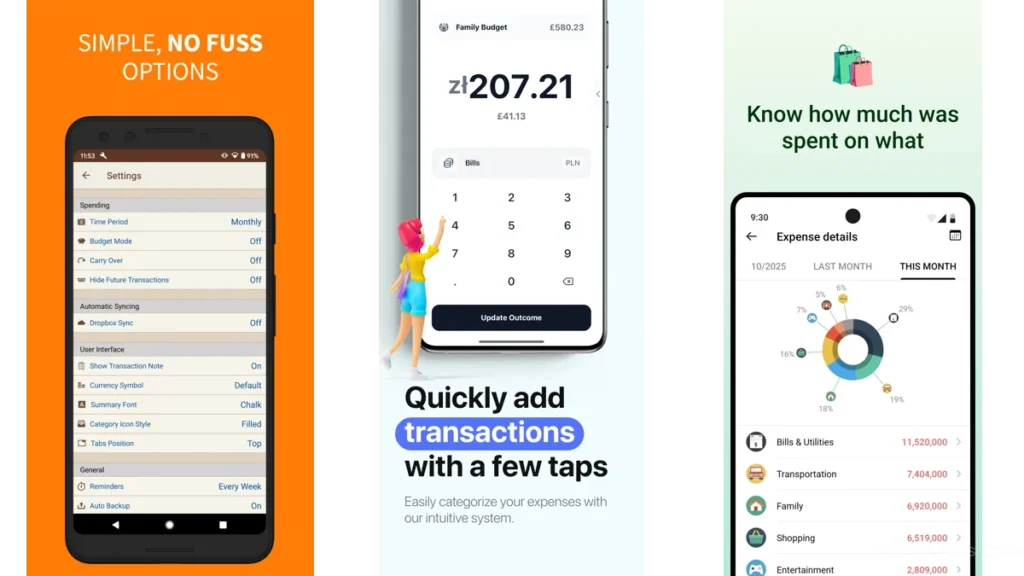
Apps like Spending Tracker emphasize speed and simplicity, built around quick entry rather than complex dashboards. (Google Play)
Visual calm: charts that feel like weather, not homework
A calm chart can be like looking out the window.
You don’t need to “solve” the sky.
You just need to know what kind of day it is.
Apps such as Cashew lean into visual summaries and a friendlier interface. (Google Play)
Gentle boundaries: budgets as rooms, not rules
Budgets work best when they feel like architecture.
A room for groceries.
A shelf for subscriptions.
A small corner for fun.
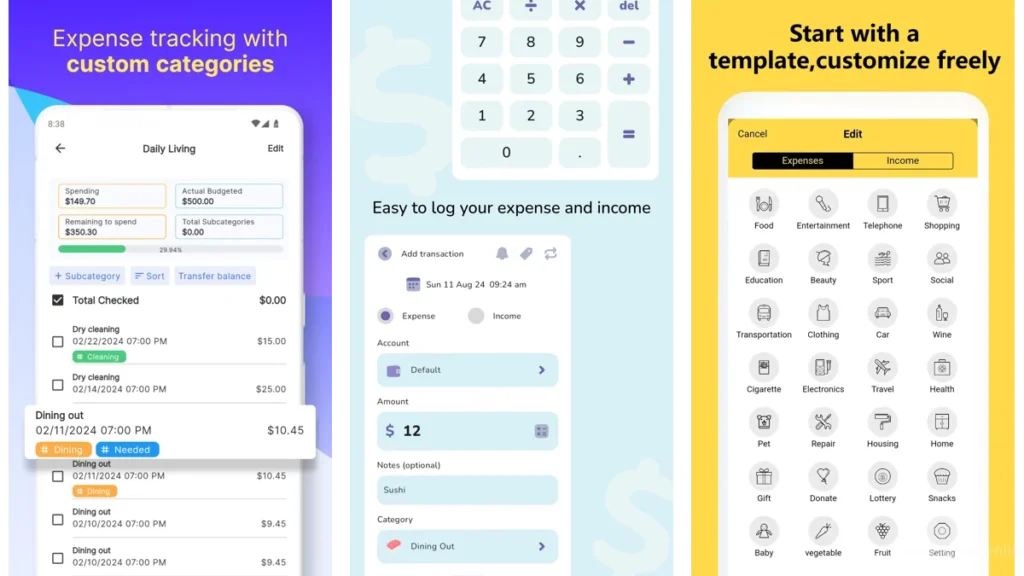
Goodbudget uses the envelope idea, which naturally feels like labeled space rather than punishment. (Google Play)
Three soft paths into budgeting
You don’t need the “best” app.
You need the best entry point.
The “I just want to know where it went” path
Choose something that logs quickly and shows patterns without drama.
- Spending Tracker (fast, minimal, widely used) (Google Play)
- Monefy (quick manual tracking, simple habit-building) (Google Play)
The “tell me what’s safe” path
When decision fatigue is the main problem, guardrails help.
- PocketGuard leans toward guidance and “spendable” framing. (Google Play)
The “I need a plan so I can breathe” path
For some people, tracking is not enough.
They need a reset.
- YNAB is method-driven and planning-first. (Google Play)
Apps that feel quiet in your hand
These are the apps that tend not to shout.
Wallet: Budget Expense Tracker
Wallet is for the person who wants one place to look.
A single dashboard where money stops scattering.
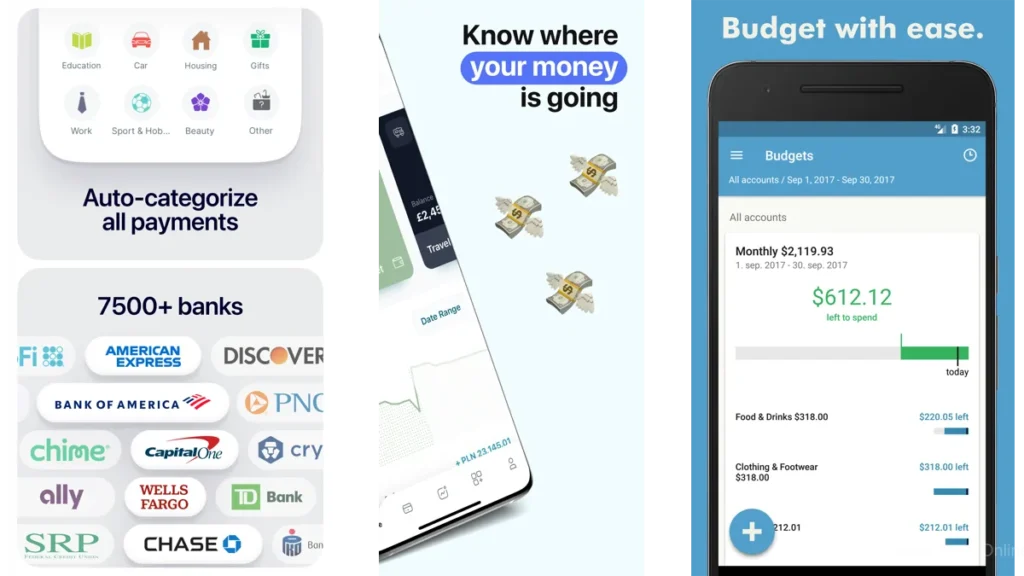
It’s widely adopted on Google Play, and it leans into a “whole picture” approach: connecting accounts, tracking, and then showing reports that explain the shape of your month. (Google Play)
What it can feel like, day to day, is relief through consolidation.
Fewer loose ends.
Less “Where did that charge come from.”
It’s not the gentlest tool in existence, because it’s capable of a lot. But if your brain likes things gathered, it can feel like putting papers into a folder instead of leaving them across the floor. (Google Play)
Spending Tracker
This app’s strength is almost boring.
That’s a compliment.
It’s built around quick entry and an intuitive flow, so tracking doesn’t become a second job. (Google Play)
If you hate numbers, you often hate the ceremony around them.
Spending Tracker keeps the ceremony small.
It lets you stay human.
Monefy
Monefy is another “log it, keep moving” option, with a huge install base on Google Play. (Google Play)
On good days, you might track everything.
On tired days, you might track only the big things.
Apps like this make imperfect consistency still worthwhile.
Money Manager Expense & Budget
Money Manager is sturdier.
More like a ledger on a clipboard.
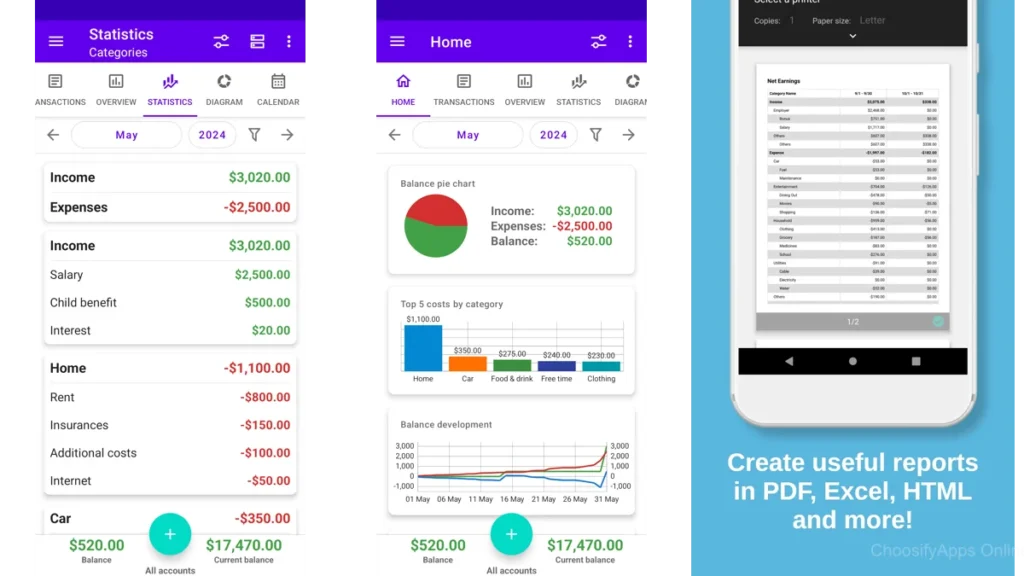
It’s popular and highly rated at scale, and it tends to appeal to people who want a dependable system that doesn’t feel fragile. (Google Play)
If your anxiety comes from the feeling that money is “slippery,” a structured tracker can help.
It gives the month edges.
Apps that turn numbers into shapes
If you hate numbers, you might not hate information.
You might hate the format.
Cashew—Expense Budget Tracker
Cashew is striking because it tries to make budgeting feel less like accounting and more like understanding.
It highlights visual summaries, customization, and recurring reminders. (Google Play)
People often describe experiences like: “I finally stuck with this.”
That “stick with it” feeling matters more than any feature.
Because the goal isn’t the perfect budget.
It’s a budget you can return to without dread.
Cashew’s popularity and strong rating suggest it resonates with that need. (Google Play)
Bluecoins Finance & Budget
Bluecoins has a different vibe.
It’s deeper. More analytical. More like a fully stocked tool drawer.
It’s also well-established, with a substantial user base. (Google Play)
For number-haters, this might sound like the wrong direction.
But sometimes “hate” is actually fear of mess.
And a robust tool can feel like control, once you’re ready.
Not as a lifestyle.
As a stabilizer.
Apps that work like labeled drawers
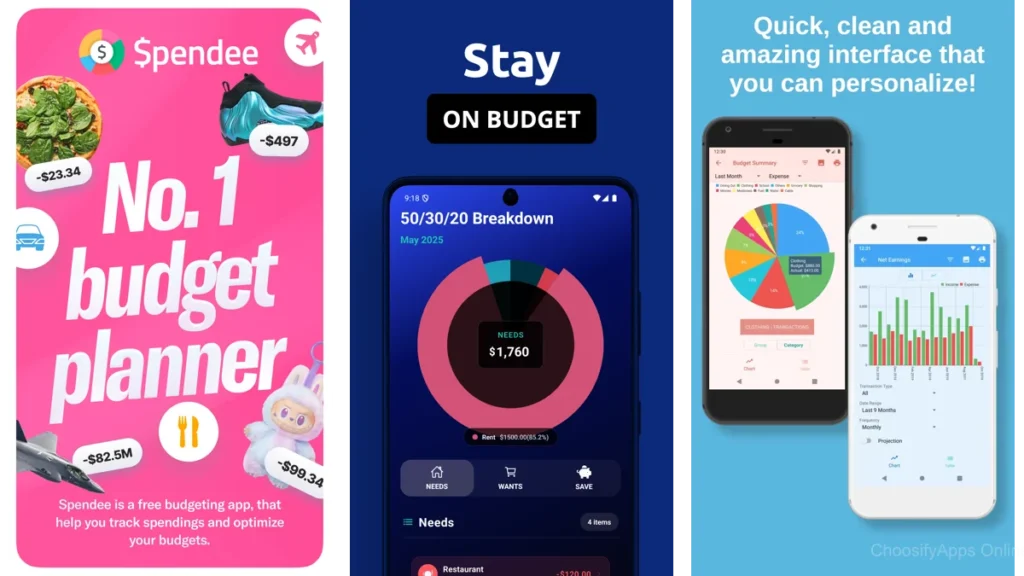
These apps make money feel like categories you can hold, not math you must endure.
Goodbudget: Budget & Finance
Goodbudget is built around the envelope approach.
You assign money into buckets, and you spend from those buckets.
It’s conceptually soothing: a boundary you can see.
Even if the overall Google Play rating is lower than others, the idea remains powerful for many people, and the app is widely downloaded. (Google Play)
If you hate numbers because they feel abstract, envelopes make them tactile.
Like placing something into a drawer and closing it.
AndroMoney ( Expense Track )
AndroMoney is a long-running, straightforward expense tool.
It’s highly rated, and it tends to feel like bookkeeping without theatrics. (Google Play)
If you want something steady, this is the kind of app that feels like it will still be there next week, doing the same job, the same way.
Ivy Wallet: money manager
Ivy Wallet is presented as a “financial notebook” style tracker.
Plain. Manual. Intentional. (Google Play)
For some people, connecting bank accounts is the opposite of calming.
They want privacy. Control. Simplicity.
This style of app supports that.
It lets you move at the speed of trust.
Apps that help you stay on time
Sometimes the first win is not budgeting.
It’s avoiding late fees.
It’s stopping the drip of small penalties that quietly make everything worse.
Bill Payment Reminder, Budgets (TimelyBills)
TimelyBills is widely used and strongly rated, with a clear emphasis on reminders, bills, and keeping up. (Google Play)
If your money stress is mostly “I forgot,” this kind of app can change your month without asking you to become a different person.
It builds a safety rail around time.
And time, for many people, is the real budget.
Apps for shared money without the awkwardness
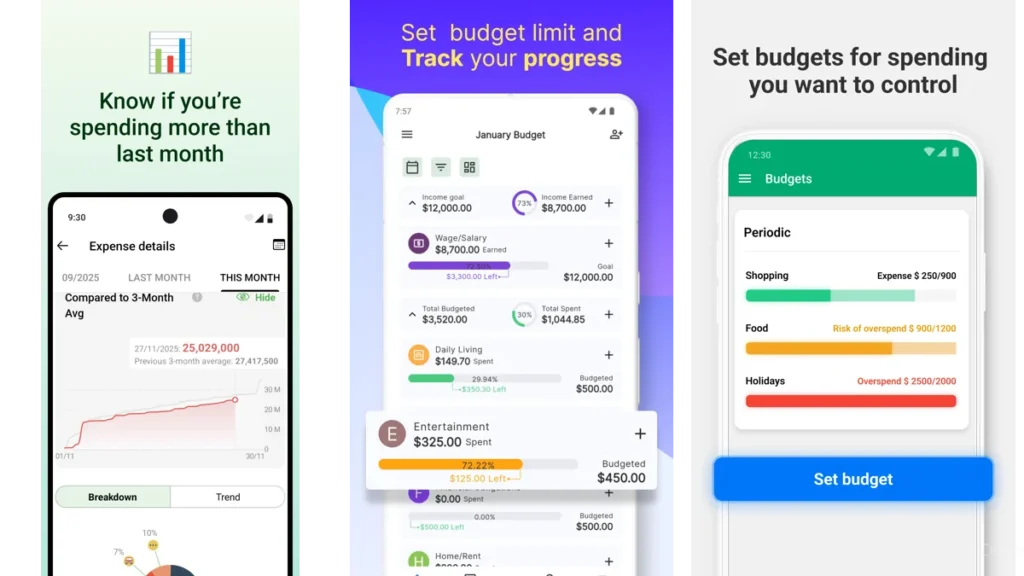
If numbers feel tense because they involve other people, it helps to use a tool designed for that exact tenderness.
Splitwise
Splitwise isn’t a full budgeting system, but it’s a quiet fix for a very loud kind of stress: “Who owes what.”
It’s widely used and highly reviewed, and it’s built to make shared expenses less personal, less heated, less ambiguous. (Google Play)
Sometimes budgeting isn’t about money management.
It’s about relationship management.
This app understands that.
A short comparison table in plain language
| App | Best for | Feels like |
| Wallet | One place to see everything | A tidy folder for loose papers (Google Play) |
| Cashew | Visual budgeting that stays friendly | A gentle dashboard, not a lecture (Google Play) |
| Spending Tracker | Quick daily logging | A small notebook you actually use (Google Play) |
| YNAB | A method and a reset | A plan that clears mental fog (Google Play) |
| Splitwise | Shared expenses | A neutral referee at the table (Google Play) |
Which one should you choose
Choose based on your nervous system, not your ambition.
If you’re tired and want fewer decisions
Pick Spending Tracker or Monefy.
The goal is not completeness.
The goal is momentum that doesn’t feel painful. (Google Play)
If you want clarity without overthinking
Pick Cashew.
It tends to make the information feel kinder, more readable, more like a story than a spreadsheet. (Google Play)
If you want one place to look
Pick Wallet.
When life is busy, consolidation is mercy. (Google Play)
If you want a method and a reset
Pick YNAB.
It’s not the lightest option, but for the right person it replaces vague anxiety with a clear next step. (Google Play)
If your stress is social
Pick Splitwise.
It’s not about budgeting your whole life.
It’s about making shared life feel smoother. (Google Play)
A calm way to start this week
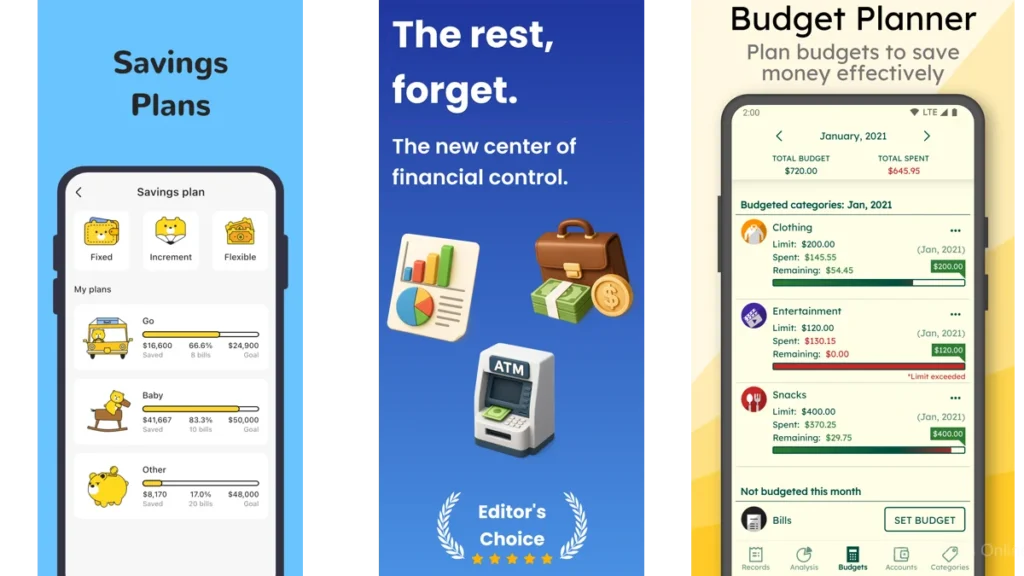
You don’t need a full system today.
You need a small practice that doesn’t demand too much.
The 10-minute setup
- Install one app.
- Create 3 categories only: Needs, Nice, Next.
- Don’t optimize the names. Just make them yours.
The one-category practice
For seven days, track just one thing.
Only dining out.
Or only delivery.
Or only subscriptions.
You’re not building a budget.
You’re building awareness in one small corner.
The once-a-week check-in
Pick one quiet time.
Same day each week.
Look at your month like you’d look at a room you’re slowly organizing.
What needs clearing.
What needs a shelf.
What can wait.
If you want a broader list of mainstream budgeting options that Google Play itself has highlighted in the past, Google’s Play blog has a roundup you can skim without getting lost in forums. (blog.google)
Conclusion
Budgeting doesn’t have to be a performance.
It can be a quiet act of care.
A way of making life a little less surprising.
A way of putting the noise in its place.
The best budgeting app, in the end, is the one that leaves you with more room in your head.
More silence at your desk.
More gentle certainty when you open your banking app.
Not because you controlled everything.
Because you finally stopped avoiding the parts that were asking for attention.
FAQ
What if I hate budgeting because I feel ashamed of my spending
Start with tracking, not limits. One category. One week. The shame softens when the data stops being a mystery.
Do I need to connect my bank accounts
No. Many people do better without it at first. Manual tracking can feel slower, but it often feels safer.
Which app is simplest for daily use
Spending Tracker and Monefy are built around quick, low-friction logging. (Google Play)
Which app is best if I want visuals instead of lists
Cashew is strongly oriented around readable summaries and a friendlier visual experience. (Google Play)
I share expenses with someone. Do I need a full budget app
Not necessarily. If the main pain is splitting costs, Splitwise can solve that problem directly. (Google Play)