A small moment at the counter
You buy coffee.
You tap your phone into airplane mode because the network is slow.
You still want to remember this small expense.
That’s the promise of offline expense apps.
A brief pause, a single note, and then you get to continue your day.
Why offline matters more than we admit
Connectivity is a gift.
But it can also get in the way.
In the aisles of a grocery store, in a taxi without signal, in a café that wants you to register for their Wi-Fi—sometimes the simplest path is to log the expense now and sync later.
Offline is about reliability.
It’s about staying with the moment, rather than the loading spinner.
How to think about “offline” in money apps
Local first, cloud later
When an app stores entries locally, it lets you write first and organize second.
This is calmer than waiting for an account to link or a server to respond.
Some apps add cloud sync for backup or sharing, but they do it on your schedule.
What you actually need day to day
Most daily spending boils down to three actions: add an amount, pick a category, move on.
If an app can do those three offline, it’s already doing its job.
Quiet standouts: apps that feel good when the internet doesn’t
Monefy: two taps, done
Monefy is the short walk from your pocket to clarity.
One tap for the category, one for the amount.
It’s designed for those who don’t want a relationship with their budget—just a record of what happened.
Offline, it’s the same rhythm.
You won’t think about it; you’ll just use it.
AndroMoney: the ledger that adapts
AndroMoney feels like a well-worn notebook—flexible, forgiving, and surprisingly deep when you need it.
Multiple accounts, transfers, and tidy reports.
Offline, it simply keeps going, letting you capture cash moments and reconcile later if you like.
Money Manager (Realbyte): order without noise
Money Manager brings a quiet, almost book-keeping sense of order.
Budgets line up.
Recurring items behave.
If you like structure, this one supports you without demanding attention.
You can log while disconnected and back up when convenient.
Wallet by BudgetBakers: when you want offline now, sync later
Wallet lives comfortably in both worlds: quick manual entry offline, bank connections and reports when you reconnect.
It explicitly offers an **offline mode** on mobile, so you can stay present at the register and worry about syncing later.
Bluecoins: power kept on-device
Bluecoins is a capable, device-centric tracker that treats your phone as home base.
Exports, deep reports, optional cloud backup—without forcing a web layer.
Offline, it’s steady and strong.
Spendee: clarity with room to share
Spendee balances friendly design with enough depth to grow.
You can log on your own and later share a wallet with a partner or roommate.
It’s pleasant, legible, and fine for quick offline entries.
Expense Manager (Bishinews): no sign-up, no signal
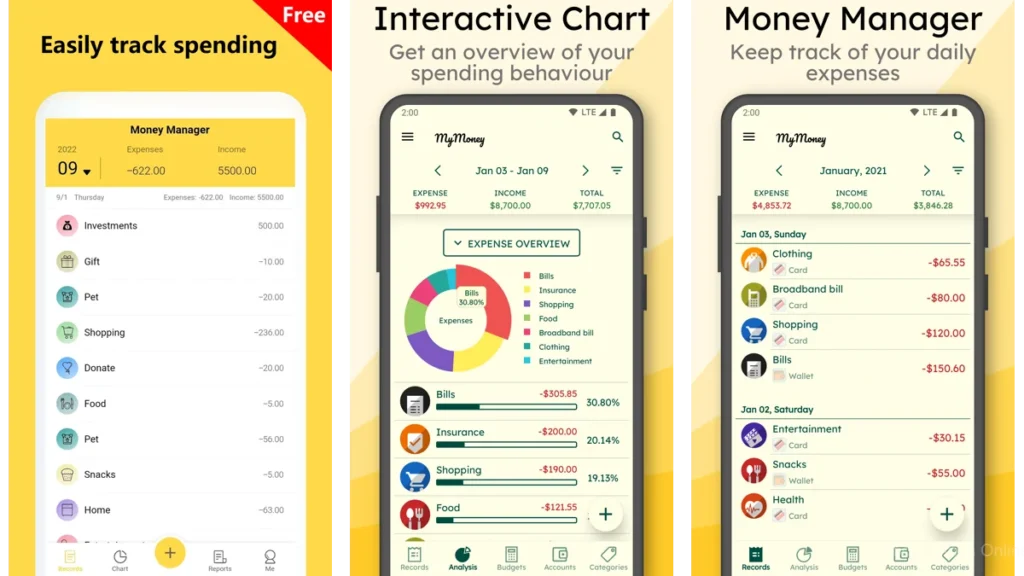
This one is old-school in the best way.
It literally says you don’t need registration or internet access.
If you want a straightforward ledger that won’t ask anything of you, start here.
My Expenses: control that feels respectful
My Expenses feels like a conversation with your future self.
It gives you control over categories and imports without nagging.
If you appreciate transparent design and prefer your data to live with you first, this app respects that.
TravelSpend: a travel notebook that works on airplanes
On a long flight or a mountain bus with no bars, TravelSpend keeps doing its quiet work.
It states clearly that it works offline, then syncs later with your travel group.
For trip budgets, it’s a calm companion.
Fast Budget: an overview that steadies you
Some days, you want one look to tell you where you stand.
Fast Budget gives you that dashboard feeling while remaining practical when disconnected.
Enter now, review later, breathe.
Money Pro: structure for the meticulous
If your brain loves categories, icons, and neat recurring rules, Money Pro gives you a place to put everything.
It’s detailed and can be used offline for manual entry, with optional sync if you need it.
Best for planners who enjoy arranging their finances with intention.
What “using it offline” actually feels like
It’s as simple as jotting a note and sliding the notebook shut.
Open app.
Type a number.
Pick a category.
Done.
That tiny ritual keeps the day honest.
No chasing receipts, no “I’ll remember later.”
Just a breadcrumb you leave for your calmer evening self.
A simple, human comparison
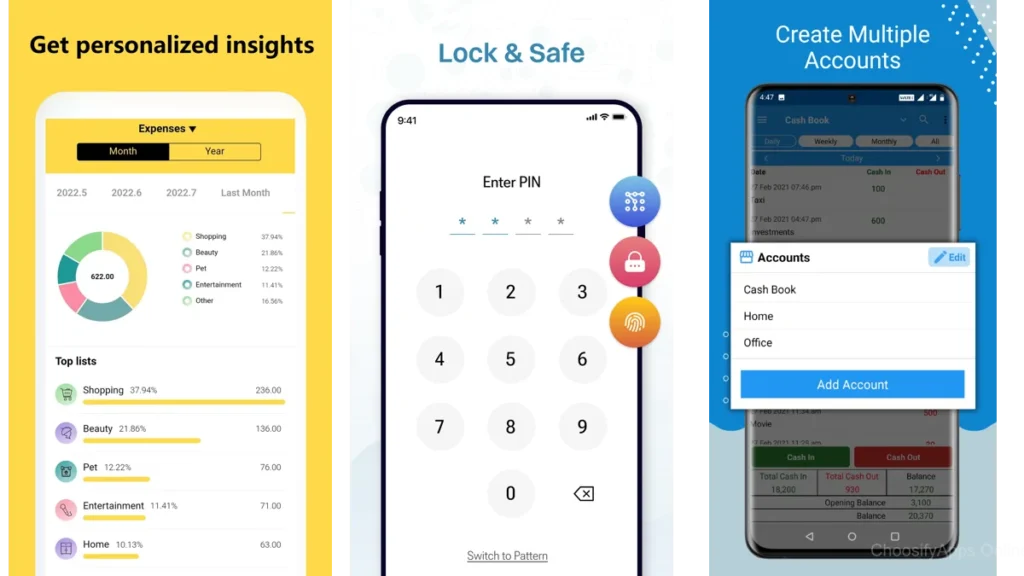
| App | What it feels like offline | Best for |
|---|---|---|
| Monefy | Two taps and gone | People who want speed |
| AndroMoney | A flexible ledger | Tinkerers and multi-account users |
| Money Manager (Realbyte) | Orderly and methodical | Budgeters who like structure |
| Wallet | Capture now, sync later | Folks who combine manual + bank sync |
| Bluecoins | Powerful, device-first | Export lovers, report readers |
| Expense Manager (Bishinews) | No sign-up, no signal | Minimalists and privacy-first users |
| My Expenses | Calm, customizable | Users who want control without fuss |
| TravelSpend | Built for trips | Travelers and groups |
| Fast Budget | Dashboard calm | Visual overviews, subscriptions |
| Money Pro | Detailed and deliberate | Planners who enjoy categorizing |
Which one should you choose?
If you want the **fastest possible capture**, choose **Monefy**. You’ll log more because it asks less.
If you keep **several accounts** or like reconciling transfers, **AndroMoney** is kinder to complexity.
If you crave **structure** and budgets that behave, **Money Manager (Realbyte)** will meet you there.
If you want **manual offline now** with **bank sync later**, **Wallet** balances both.
If you’re the type who **exports everything** and likes device-first control, **Bluecoins** is quietly powerful.
Traveling? **TravelSpend** is the one that still works when your phone is in airplane mode.
Gentle ways to make any app feel lighter
Start with three categories. Groceries, Transport, Other. Add more only when it’s truly necessary.
Log right away. One breath. Then put the phone down.
Review once a week. Ten minutes is enough. Look for one small change, not many.
Back up on Sundays. If your app supports local export or cloud backup, make it a ritual.
No notifications at first. You can add nudges later. Silence helps you actually notice your spending.
Rituals that protect your attention
- Put the app on your home screen.
- Decide on a default payment category.
- Stop when an entry takes longer than 20 seconds. That’s friction; simplify.
Backups without drama
Once a week, export a CSV to cloud or email it to yourself.
Or, if your app auto-backs up when online, just confirm it’s still working.
Backup is for peace of mind, not for tinkering.
Conclusion: money, made quiet
Daily spending can feel like a crowd—small voices tugging at you all day.
Offline expense apps make space.
A note, a category, a breath.
No accounts to link, no passwords to chase, no spinning wheels.
Just the truth of what happened, saved for later when you have the time and the calm to look.
Some apps shout.
These do not.
FAQ
Do I lose data if I log offline?
No. These apps store your entries on the device and, if you’ve enabled sync or backups, they’ll push changes when you’re online again. It’s still wise to export a CSV weekly for peace of mind.
Are offline apps less secure?
Offline entry can reduce exposure because your data lives locally first. Still use a passcode and, if offered, biometric lock. Backups should be encrypted or stored in a trusted location.
Will I miss bank syncing if I stick to offline?
Not for daily awareness. Manual entry builds strong habits. If you later want automation, apps like Wallet or Bluecoins can add it without taking away manual control.
What’s the best “first setup”?
Create three categories, set your currency, turn off all notifications, and add a weekly reminder called “Check money.” That’s enough.
How do I share expenses with a partner while staying offline-friendly?
Log offline individually, then sync when you’re together on Wi-Fi or export a CSV to share. For trips, TravelSpend handles shared logs even if entries were created offline.