The phone doesn’t slow down all at once.
It hesitates.
A pause before an app opens.
A storage warning that appears at the wrong moment.
None of it feels urgent.
But it lingers.
Digital clutter is quiet like that.
It accumulates without asking.
And one day, the device that once felt light starts to feel crowded.
This is usually when people search for a cleaner.
Not for speed.
Not for optimization.
But for relief.
A Quiet Introduction to Digital Clutter
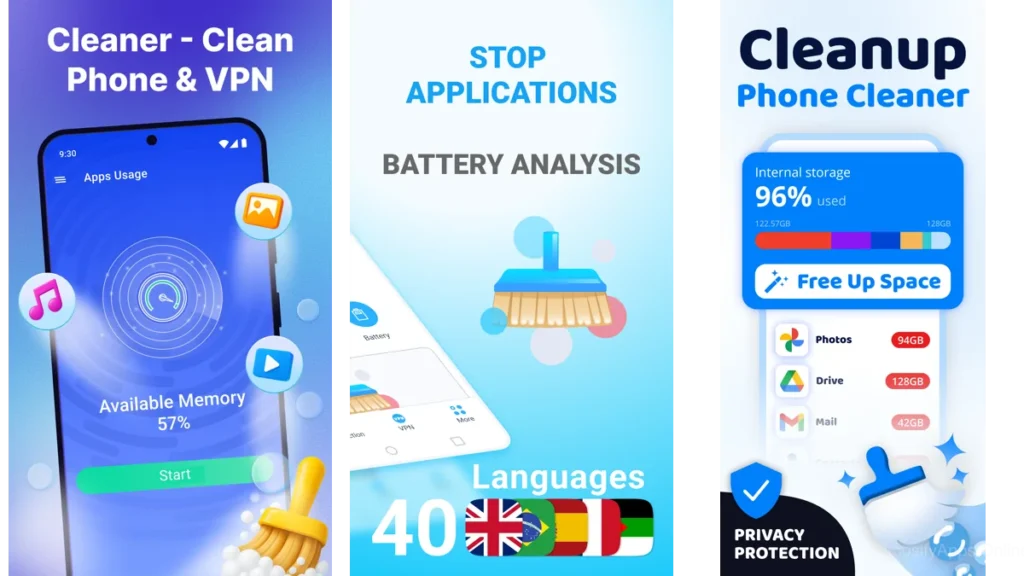
When Your Phone Feels Full
Most phones don’t feel messy because of what we remember installing.
They feel messy because of what we forgot.
Old photos.
Temporary files.
Caches built to help, then never leaving.
The phone becomes a room no one tidies.
The Subtle Weight of Hidden Storage
Storage fills in the background.
Each app takes a little more than it promises.
Each update leaves something behind.
Each photo burst duplicates itself quietly.
Cleaner apps exist in this space—not to shout, but to notice.
Why We Seek Cleaners in the First Place
Rarely is it about numbers.
It’s about space.
The kind that lets things open smoothly again.
The kind that removes friction.
The kind that lets the device step out of the way.
What “Clean” Really Means in a Device
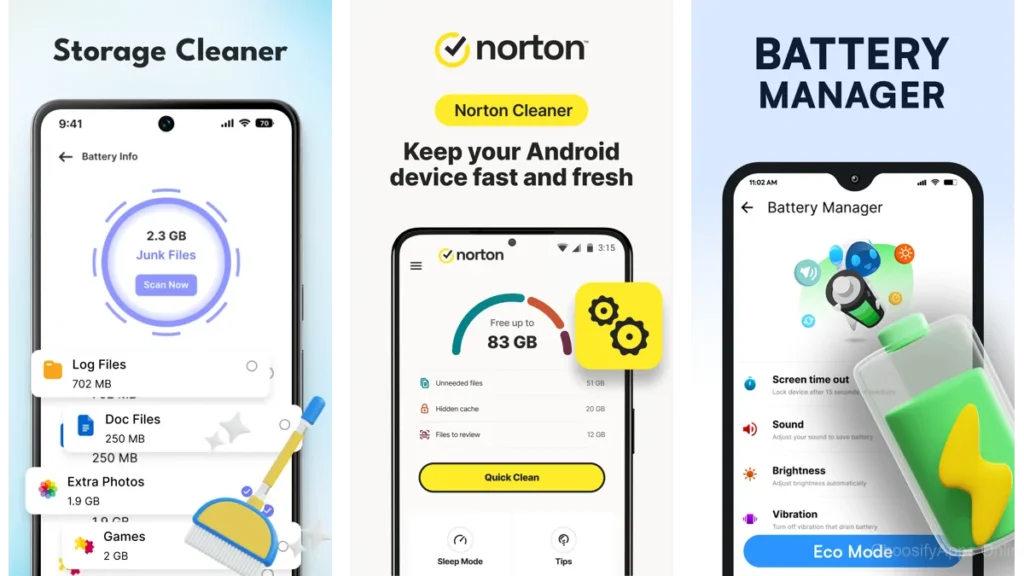
Cache, Junk, and the Files That Linger
Cleaning doesn’t mean erasing memory.
It means letting go of what has already served its purpose.
Caches are meant to be temporary.
So are installation leftovers.
So are broken thumbnails and unused downloads.
A good cleaner knows the difference.
The Gentle Art of Safe Removal
The best apps don’t rush.
They show you what they’ve found.
They explain, briefly.
They wait for permission.
This is where trust begins.
Files by Google — Familiar and Unassuming
Files by Google feels less like a tool and more like a quiet assistant.
It doesn’t call itself a cleaner first.
It organizes.
Then it suggests.
Large files.
Unused apps.
Duplicates you didn’t realize existed.
How It Organizes Without Getting Loud
Everything is framed as a choice.
“Do you still need this?”
Not “Delete now.”
The app respects hesitation.
When This Is Enough
For many people, this is all that’s needed.
A gentle nudge.
A clear overview.
No pressure to go deeper than you want.
SD Maid — Deep, Quiet Discovery
SD Maid is for what remains after the obvious is gone.
It looks where others don’t.
Finding What Others Overlook
App remnants.
Empty folders.
Forgotten directories left behind after uninstalling.
These files don’t announce themselves.
SD Maid listens for them.
The Calm of Uncovering Storage Ghosts
There’s something relieving about seeing what was invisible.
Not everything needs to be dramatic to matter.
CCleaner — The Thoughtful Sweeper
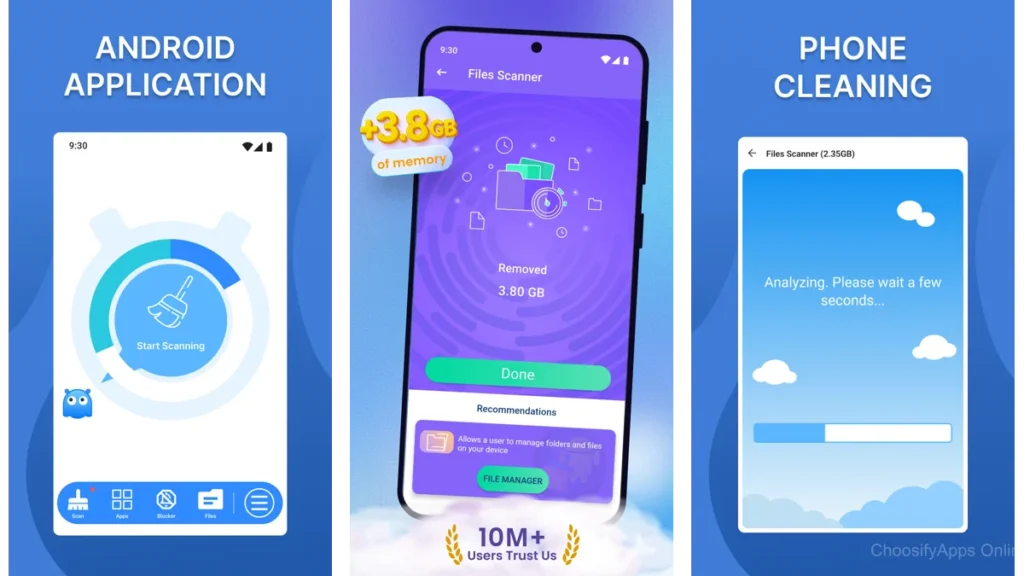
CCleaner carries a familiar name.
But on mobile, it behaves more quietly than expected.
A Name You Might Know
Its strength is clarity.
It shows where space is going.
It explains before acting.
When Its Perspective Helps
If you want a broader overview—
not just deletion, but understanding—
this is where CCleaner fits.
AVG Cleaner — Insight Before Action
AVG Cleaner pauses before cleaning.
It studies patterns.
Turning Photos and Apps Into Stories
You see which apps you rarely open.
Which photos repeat the same moment.
Which files quietly grow heavier.
Avoiding Blind Deletion
Nothing is automatic without consent.
The app treats cleaning as a conversation.
1Tap Cleaner — One Touch Simplicity
1Tap Cleaner does one thing.
It clears cache.
When Clear Cache Is Peaceful Enough
Sometimes that’s all the device needs.
A small reset.
A breath.
The Safety of Small Steps
There’s comfort in restraint.
Not everything needs to be optimized.
Some things just need to be cleared.
Phone Cleaner – AI Cleaner — Gentle Guidance
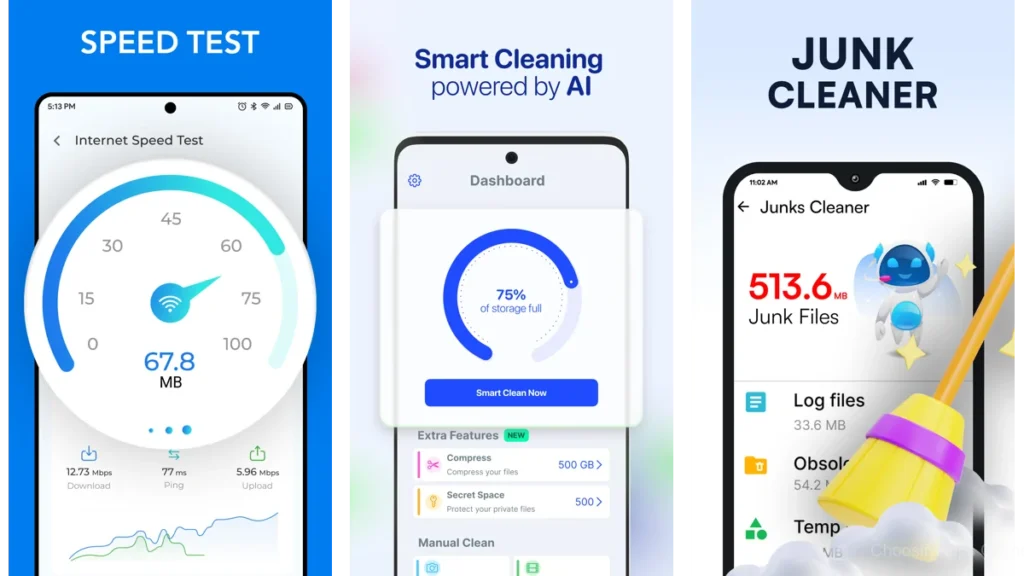
Phone Cleaner – AI Cleaner tries to help without taking control.
AI as a Guide, Not a Dictator
It suggests duplicates.
Highlights similar photos.
Points, rather than commands.
Duplicate Files and Forgotten Photos
This app shines in the gallery.
It notices repetition gently.
Ancleaner — Simple, Quiet Sweep
Ancleaner is straightforward.
No layers.
No theatrics.
Why Some Just Want Basics
Not everyone wants analysis.
Some want the floor cleared.
Then to move on.
Gentle Cleanup Without Drama
Ancleaner respects that.
Other Cleaners Worth a Look
Avast Cleanup focuses on awareness before action.
Cleaner – Clean Phone
Phone Cleaner – Junk Files
These apps do less—but for some users, less is the point.
A Simple Comparison (Plain Language)
| App | Feels Like | Best For |
| Files by Google | A tidy assistant | Everyday maintenance |
| SD Maid | A deep drawer cleaner | Hidden leftovers |
| AVG Cleaner | A thoughtful guide | Careful decisions |
Which One Should You Choose
Ask yourself:
Do you want guidance or control?
Do you prefer surface cleaning or depth?
Do you want reminders—or silence?
If you want peace, start simple.
If you want thoroughness, go deeper.
No app should feel like work.
A Calm Cleaning Habit
When to Clean
Not daily.
Not obsessively.
When storage feels tight.
When performance hesitates.
Routine Without Obsession
Monthly is enough for most.
The goal isn’t perfection.
It’s comfort.
Keeping Space, Keeping Peace
A phone doesn’t need to be empty.
It just needs room to breathe.
A Gentle Caution
Cleaner apps need access.
Choose carefully.
Read permissions slowly.
Avoid anything that feels rushed or loud.
Calm apps don’t demand urgency.
Conclusion
Cleaning a device isn’t about speed.
It’s about lightness.
When the noise fades, what remains is ease.
When clutter leaves, attention returns.
The best cleaner is the one that finishes its work
and then steps aside.
FAQ
Do cleaner apps really help performance?
They help indirectly. By freeing space, they remove friction.
Is deleting cache safe?
Yes. Cache rebuilds itself when needed.
How often should I clean my phone?
When it feels full. Not before.
Are built-in tools enough?
For many people, yes.
What’s the biggest mistake people make?
Cleaning too aggressively, too often.