The day is already loud.
Messages arrive without asking.
Apps compete for attention.
Even silence feels crowded.
Music, when it’s offline and intentional, can feel different.
Like closing a door.
Like sitting down.
This article is about those rare music apps that do not demand anything.
They open quietly.
They stay out of the way.
They let music be the only thing in the room.
Some apps shout.
These do not.
A Moment of Quiet: What Music Apps Could Be
Offline music players used to be simple.
A list of songs.
A play button.
Nothing else.
Somewhere along the way, they became louder.
More animated.
More eager to be noticed.
But a clean UI is not about beauty for its own sake.
It is about relief.
It is the feeling of not needing to think.
Of not being asked to decide.
Of letting sound arrive without friction.
That is what this guide looks for.
How This Guide Was Crafted
The apps discussed here were chosen carefully.
Each one was explored through real usage patterns.
Not just feature lists or ratings.
But how it feels to open the app when you are tired.
Do menus rush you?
Do colors press forward?
Or does the interface step back?
Clean UI is not minimal for show.
It is minimal so you can breathe.
What “Clean UI” Means in a Music Player
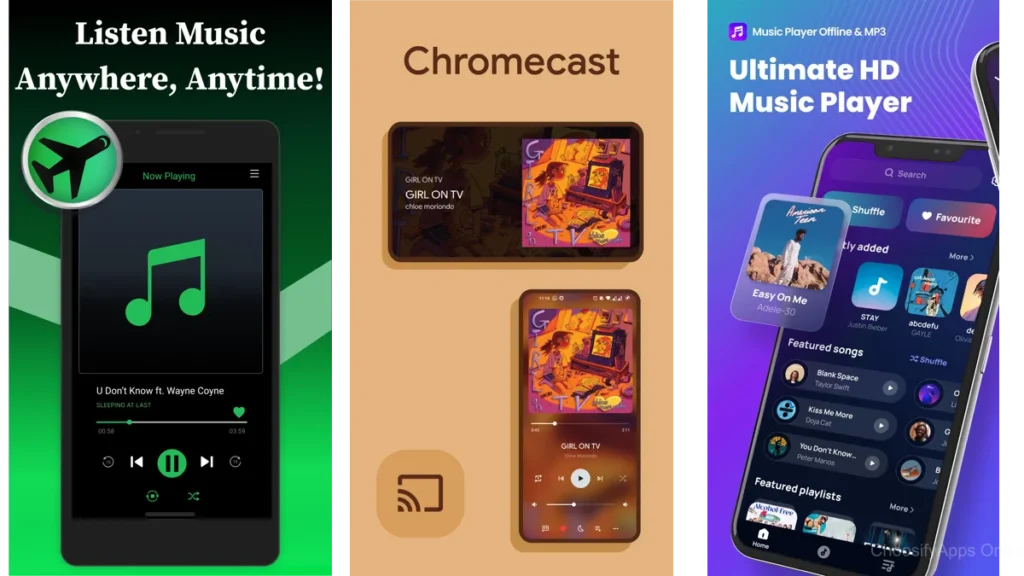
A Space That Steps Back
A clean interface behaves like a good room.
It does not rearrange itself every time you enter.
It does not ask for attention.
It simply holds what matters.
Text is readable.
Buttons are where you expect them.
Nothing blinks.
Minimal Controls and Calm Colors
The best offline players use restraint.
Muted palettes.
Familiar gestures.
Clear hierarchy.
When design disappears, listening begins.
Musicolet: A Place for Your Library to Breathe
Musicolet feels like opening a well-organized shelf.
Everything is yours.
Nothing is borrowed from the internet.
No accounts.
No ads.
It respects the idea that your music library is personal.
Albums stay intact.
Folders matter.
There is comfort in that.
You can tell it was designed by someone who listens.
What Quiet Listening Feels Like
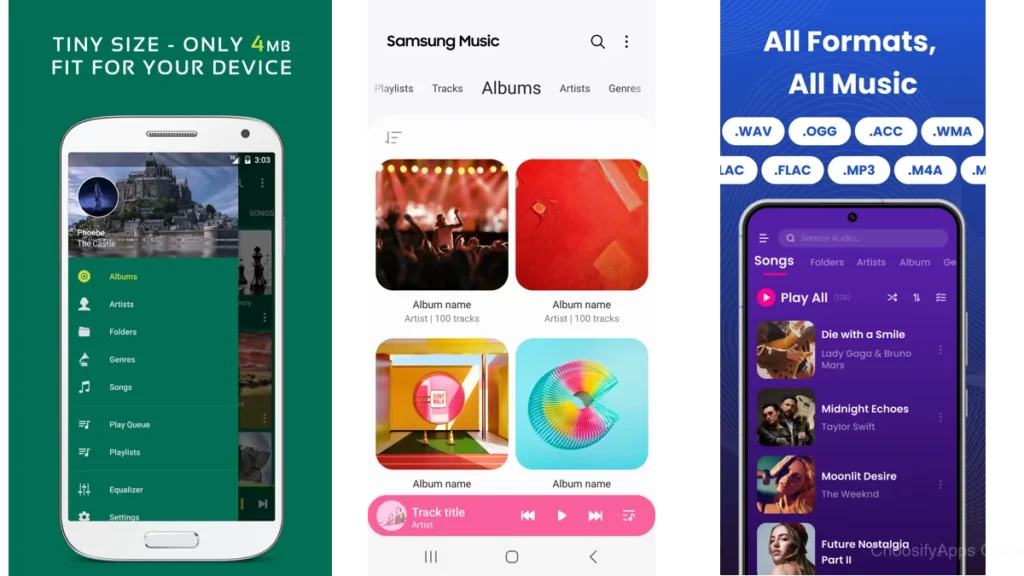
Musicolet does not decorate your music.
It does not reinterpret it.
It simply presents it.
You choose a song.
It plays.
The app steps aside.
For people who still organize their files intentionally, this app feels like coming home.
Pulsar: Elegant Design Without Excess
Pulsar feels more architectural.
Lines are clean.
Motion is gentle.
Everything follows a visual rhythm.
It is a reminder that polish does not have to be loud.
You notice the smoothness only because nothing interrupts it.
Interface as Background, Not Foreground
Pulsar’s design does something subtle.
It stays consistent.
No surprises.
No hidden corners.
Just a steady, reliable space for listening.
It feels like a well-designed chair.
You do not think about it while sitting.
That is the point.
Nomad Music: A Simple Canvas for Songs
Nomad Music leans into comfort.
Dark mode feels intentional here.
Not dramatic.
Just easy on the eyes.
Playlists are straightforward.
Controls are close.
Nothing asks to be explored.
Playlists and Dark Mode as Comfortable Chairs
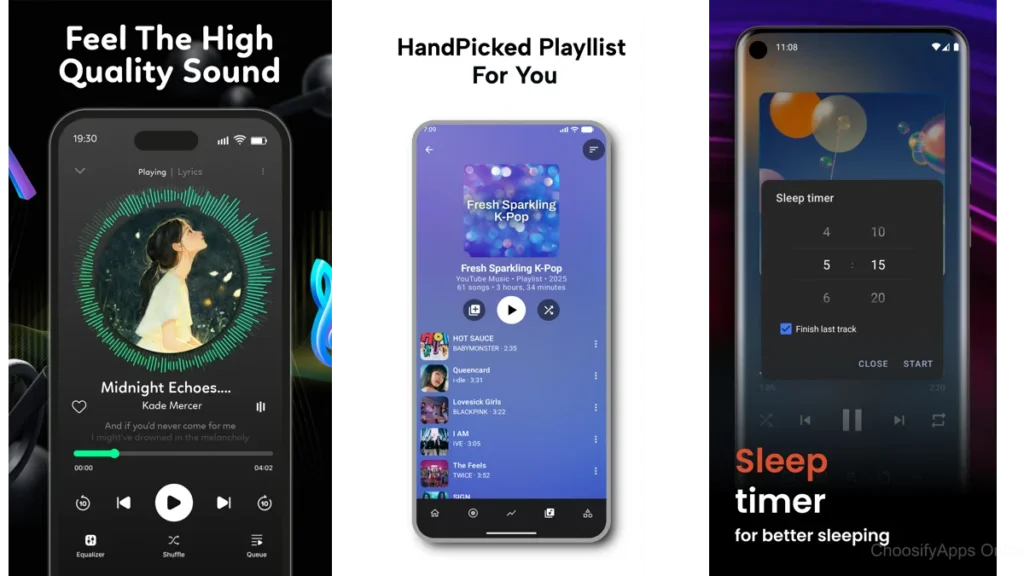
Nomad does not push you to organize perfectly.
It allows casual listening.
It is good for evenings.
For low light.
For when you want sound without brightness.
The app feels settled.
Unrushed.
Pi Music Player: Familiar, Balanced, Unfussy
Pi Music Player feels familiar in a good way.
Nothing radical.
Nothing experimental.
It sits in the middle ground.
There are options, but they stay in their place.
The interface feels like it has been used by many people and gently shaped over time.
For listeners who want reliability without austerity, Pi offers a steady hand.
Lark Player: Clean, Comfortable, Community-Loved
Lark Player is more expressive, but still controlled.
Colors appear, yet do not overwhelm.
Customization exists, but does not confuse.
It feels friendly.
This is an app that many people live with daily.
You can sense that in its balance.
It welcomes different habits without demanding change.
Audio Insight: Organization as Calm
Audio Insight focuses on structure.
Formats are supported quietly.
Libraries stay orderly.
There is something calming about knowing your files are understood.
This app is for listeners who value clarity.
Who want things to stay where they belong.
Vanilla Music Player: Material Design and Serenity
Vanilla Music Player feels almost invisible.
It is open-source in spirit and appearance.
Nothing extra.
Nothing performative.
It reminds you of earlier Android days.
When apps did one thing and did it well.
It is not flashy.
It is dependable.
Gentle Alternatives and Smaller Players
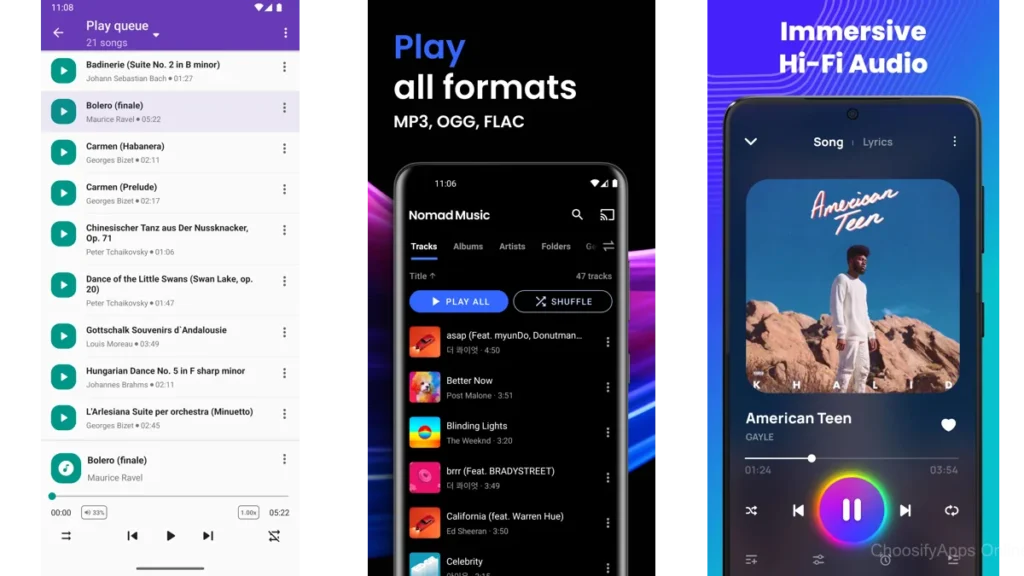
There are many small offline players on the Play Store.
Often built by small teams.
Often quietly maintained.
They usually share a few traits:
- Very simple layouts
- Few settings
- Fast performance
For some people, that is enough.
How to Choose Without Noise
Questions to Ask Yourself First
Before downloading, pause.
Do you want to organize or just listen?
Do you prefer light or dark?
Do you open music apps often, or only when you need calm?
The best app is the one you forget about while using.
When UI Matters More Than Features
Features are loud.
UI is quiet.
If an app makes you feel tired before you press play, it is not clean enough.
Comparison at a Glance
| App | Best For | Overall Feel |
|---|---|---|
| Musicolet | File-based listeners | Deeply quiet |
| Pulsar | Design-focused users | Smooth and modern |
| Nomad Music | Evening listening | Soft and relaxed |
Which One Should You Choose?
If you manage your own music carefully, start with Musicolet.
If visual balance matters to you, Pulsar will feel natural.
If you listen mostly at night, Nomad Music is kind to your eyes.
There is no wrong choice here.
Only different kinds of calm.
Tips for Listening With Less Digital Clutter
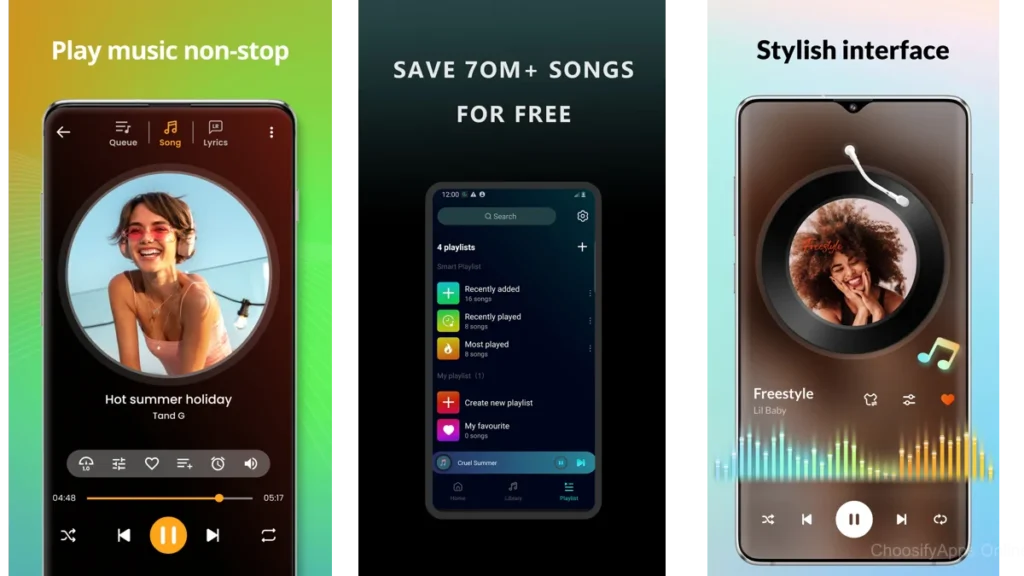
Turn off visualizers.
Hide unused tabs.
Keep one playlist for rest.
Let music arrive without ceremony.
Technology should finish its job and step aside.
Conclusion: Breath, Space, Sound
A clean UI does not impress you.
It reassures you.
It says:
You can rest now.
Nothing else is required.
Offline music, when paired with thoughtful design, becomes a room you can return to.
Not to escape the world.
But to soften it.
Frequently Asked Questions
Do offline music players really make a difference?
Yes. Fewer distractions mean deeper listening and less mental fatigue.
Is a clean UI better than more features?
Often, yes. Especially when you want rest, not control.
Do these apps require internet access?
No. They are designed to work fully offline.
Are minimal apps too limited?
Only if you expect them to do everything. Their strength is focus.
Which app feels the most peaceful overall?
For many, Musicolet or Vanilla Music Player offer the quietest experience.