A soft breath before numbers
There is a moment most of us recognize.
Your phone feels warm in your hand.
An app stutters.
Battery drops faster than expected.
You pause.
Not to fix anything.
Just to understand.
System monitoring apps, at their best, exist for that pause.
They are not about control.
They are about reassurance.
A glance.
A quiet answer.
Then you move on.
Some apps shout when you open them.
Charts. Alerts. Colors. Movement.
The ones that matter here do not.
They show you what is happening — simply — and then step back.
What “simple data” really means
Simple data is not less information.
It is information without friction.
Numbers that do not demand interpretation.
Visuals that do not compete for attention.
Screens that feel finished the moment they load.
Simple data answers questions like:
Is my phone working harder than usual?
Is memory tight right now?
Is something quietly draining the battery?
And then it stops.
No pressure to optimize.
No sense of urgency.
No performance theater.
Just clarity.
Why we look at our devices at all
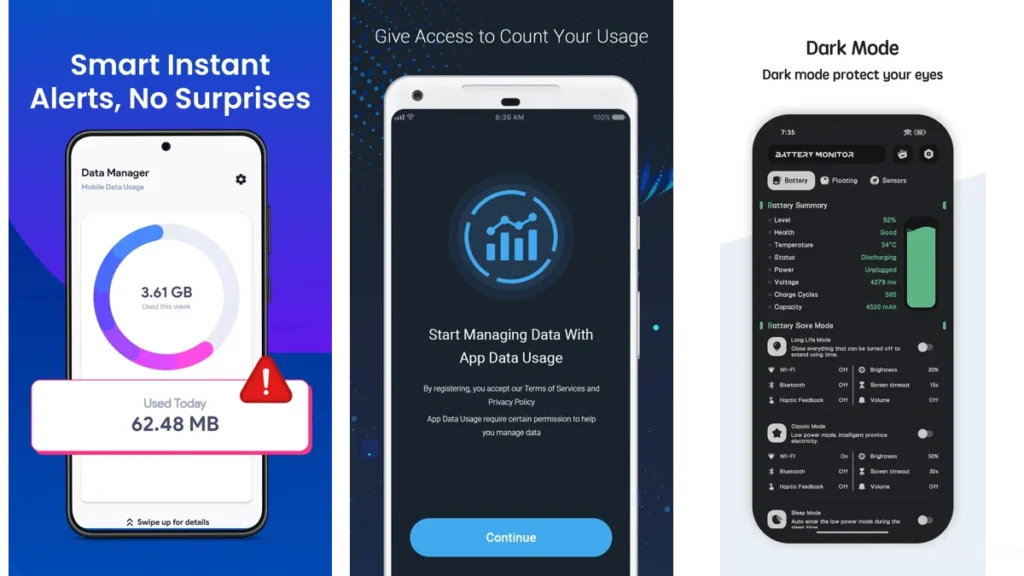
Most people do not install system monitors out of curiosity.
They install them because something feels off.
A phone slowing down before an important day.
Heat during a long call.
Battery anxiety at 4 p.m.
These moments create mental noise.
A good monitoring app lowers that noise.
It doesn’t promise speed.
It offers understanding.
A gentle look at your system’s heartbeat
Think of system monitoring as listening to a room.
You are not fixing the wiring.
You are noticing the hum.
CPU usage is that low background sound.
Memory is how crowded the room feels.
Battery is the light slowly dimming.
When shown simply, these things stop being technical.
They become intuitive.
G-CPU: A dashboard that waits quietly
G-CPU opens like a settled desk.
Everything is already where it should be.
CPU usage is visible without drama.
Memory usage sits beside it.
Battery, storage, network — present, not competing.
What stands out is restraint.
No animated distractions.
No layered menus asking for attention.
The widgets are especially telling.
They exist on the home screen like a small window left open.
You glance.
You know.
You continue.
This is not an app you “use.”
It is one you visit briefly, like checking the weather.
OS Monitor: Seeing current threads without clutter
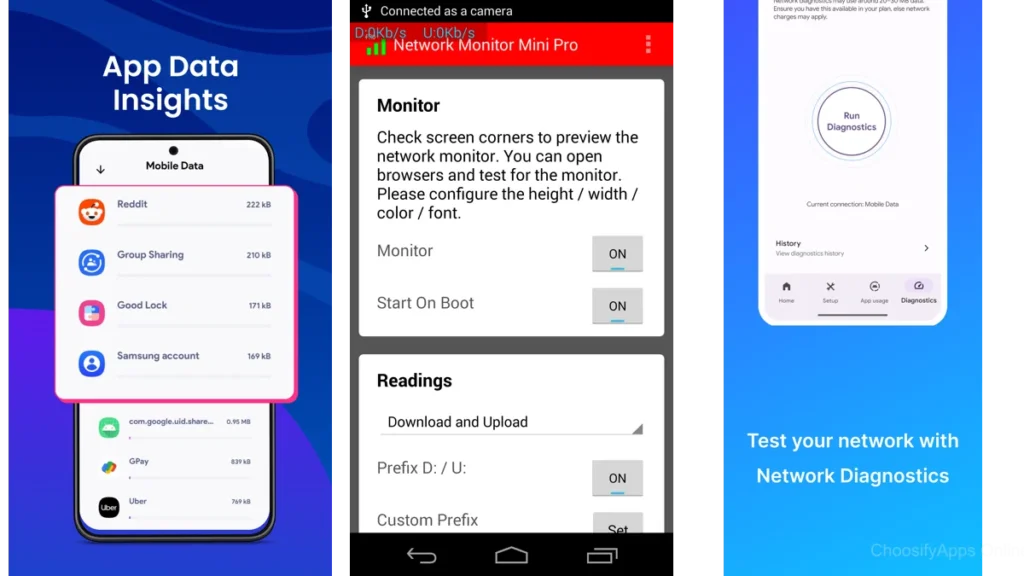
OS Monitor feels like standing in a quiet hallway.
Processes appear as simple lines of activity.
Battery usage makes sense at a glance.
Network flow is present without graphs shouting for attention.
It is less about beauty and more about honesty.
This app is for moments when curiosity replaces concern.
What’s running right now?
What’s quietly active in the background?
You look.
You understand.
You close it.
That rhythm matters.
CPU & RAM Monitor: Singular focus, singular clarity
Some tools do better by doing less.
CPU & RAM Monitor makes that choice early.
Two metrics.
Clear percentages.
No pressure to explore further.
For people who feel overwhelmed by too many system details, this focus is grounding.
It answers one question well:
Is my phone under strain right now?
Nothing more.
And that restraint builds trust.
Resource Monitor Mini: A corner that speaks softly
Resource Monitor Mini barely announces itself.
A small overlay lives at the edge of the screen.
CPU. Memory. Quiet numbers.
You do not open it.
You do not navigate it.
It simply exists.
This kind of monitoring suits people who dislike interruptions.
People who want awareness without interaction.
The data does not ask to be read.
It waits.
System Monitor CPU RAM Battery: Full view with restraint
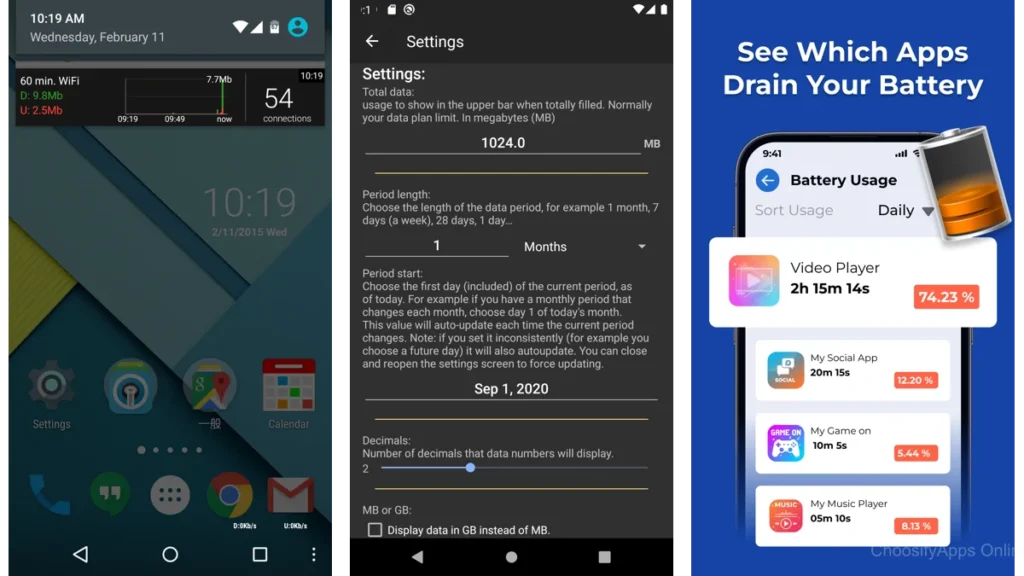
This app sits closer to the middle.
More data is available.
Temperature, battery health, usage trends.
Yet it avoids chaos.
For users who want context — not just snapshots — this balance can feel reassuring.
You can stay longer here.
But you don’t have to.
The app does not punish you for leaving early.
RAM Memory Monitor: Memory, clearly held
RAM Memory Monitor chooses a narrow path.
It watches memory.
That is its job.
For people troubleshooting slowdowns or app reloads, this focus feels steady.
The floating window option keeps the experience light.
You are informed, not absorbed.
A brief word on legacy simplicity
Older tools like Simple System Monitor helped define this category.
They proved that clarity could exist without polish.
That system data did not need decoration.
Their influence still echoes in modern apps that choose calm over complexity.
A short comparison, in plain language
| App | How it feels | Best for |
| G-CPU | Balanced and composed | Everyday reassurance |
| OS Monitor | Honest and observant | Understanding background activity |
| CPU & RAM Monitor | Focused and direct | Quick strain checks |
| Resource Monitor Mini | Nearly invisible | Continuous quiet awareness |
No app here is “better.”
Only better suited.
Which one should you choose
Choose based on how you want to feel.
If you want a gentle overview you can return to, G-CPU fits.
If curiosity drives you, OS Monitor offers clarity.
If you want answers without exploration, CPU & RAM Monitor works well.
If you dislike opening apps at all, Resource Monitor Mini respects that.
None of these ask you to manage your phone.
They simply help you understand it.
Using system monitors without adding noise
Install one app.
Not three.
Check it when something feels off.
Not every hour.
Trust your intuition before the numbers.
Use data to confirm, not to worry.
And remember:
If you forget the app is there, it is doing its job well.
When less monitoring means more peace
There is a quiet truth here.
You do not need constant awareness of your device.
Monitoring is a tool — not a habit.
Use it to create space.
Then let it fade into the background.
The best technology steps aside once it has helped.
Conclusion: Data that feels like room to breathe
System monitoring does not have to feel heavy.
It can feel like opening a window.
Like checking a clock.
Like resting your hand on a desk and feeling its stillness.
These apps do not promise control.
They offer relief.
And sometimes, that is enough.
FAQ
Do system monitoring apps slow down my phone?
The simpler ones have minimal impact, especially when used occasionally.
Do I need technical knowledge to use these apps?
No. The apps highlighted here are designed for intuitive understanding.
Is it necessary to monitor my phone regularly?
Not at all. Monitoring is most useful when something feels wrong.
Can these apps fix problems?
They do not fix issues. They help you see them clearly.
What if I feel more anxious after checking system data?
That is a sign to step back. Tools should reduce noise, not add to it.