Some days, you don’t want more features.
You want fewer choices.
You open your phone in a crowded moment—between errands, messages, tabs you didn’t mean to keep—and you feel that familiar tightening in the chest.
Not panic.
Just… noise.
And when an app meant to protect you adds to that noise, it starts to feel like the wrong tool.
A VPN shouldn’t feel like a cockpit.
It should feel like a door you close gently.
A small latch.
A simple sign that says: you’re safe enough for now.
A small reason you might be here
You might not be chasing speed charts.
You might not care about the most advanced settings.
You might simply want an app that doesn’t demand your attention every time you open it.
Because attention is expensive.
And digital fatigue is real.
So this is a guide for people who value quiet design.
For people who want a VPN that steps aside once it has done its job.
What “clean” really means on a tired day
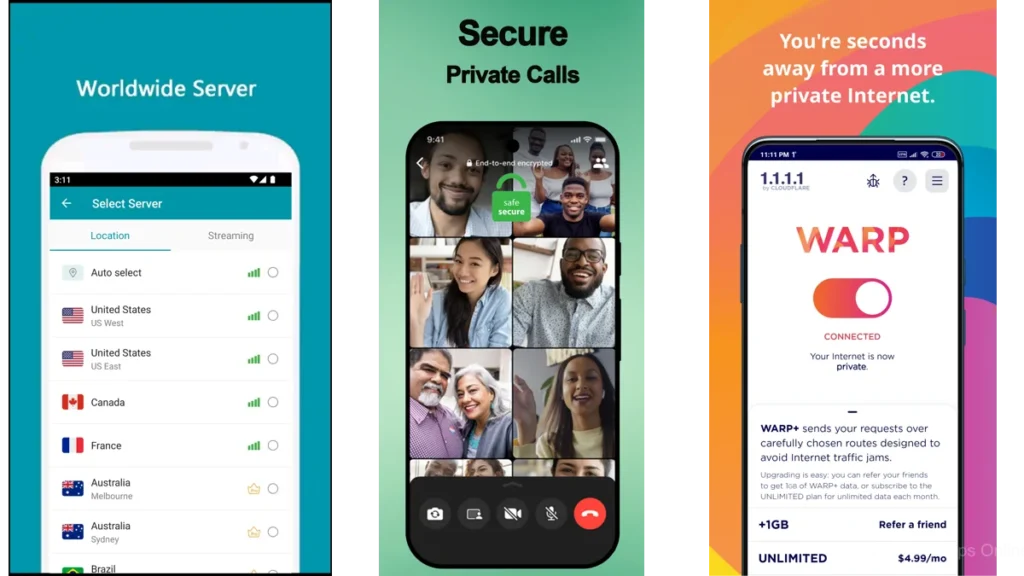
A clean dashboard isn’t just white space.
It’s a feeling.
It’s the absence of tiny interruptions—popups, nudges, badges, bright warnings that aren’t urgent.
It’s a layout that doesn’t make you think.
Less noise, fewer decisions
The best clean dashboards don’t ask, “What do you want to do today?”
They assume the most common need.
Then they offer it plainly.
Connect.
Disconnect.
Change location if you want to.
And if you don’t want to, you can leave it alone.
The “one place” principle
A calm app gives you one main place to stand.
A home screen that doesn’t shift every week.
A status that doesn’t hide.
A sense that you won’t have to hunt for the same button tomorrow.
A calm app still needs trust
Minimalism isn’t enough.
A beautiful dashboard can still sit on shaky ground.
That’s why it helps to look for signals of credibility—clear policies, established developers, and platform trust cues.
Google Play’s newer “Verified” badge for VPN apps is one of those cues, meant to highlight VPNs that meet higher security and privacy standards.
It’s not the only measure.
But it’s a helpful flashlight in a dim aisle.
A quick note about Google Play’s VPN verification
When you’re choosing a VPN, it’s easy to feel unsure.
Especially because “security” apps can be imitated.
Google Play’s verification badge was introduced to make it easier to identify VPN apps that meet specific privacy and security requirements.
If you’re someone who gets decision fatigue, this matters.
It reduces the number of unknowns.
It doesn’t replace your judgment.
But it steadies the ground under your feet.
The quiet shortlist: apps that don’t shout
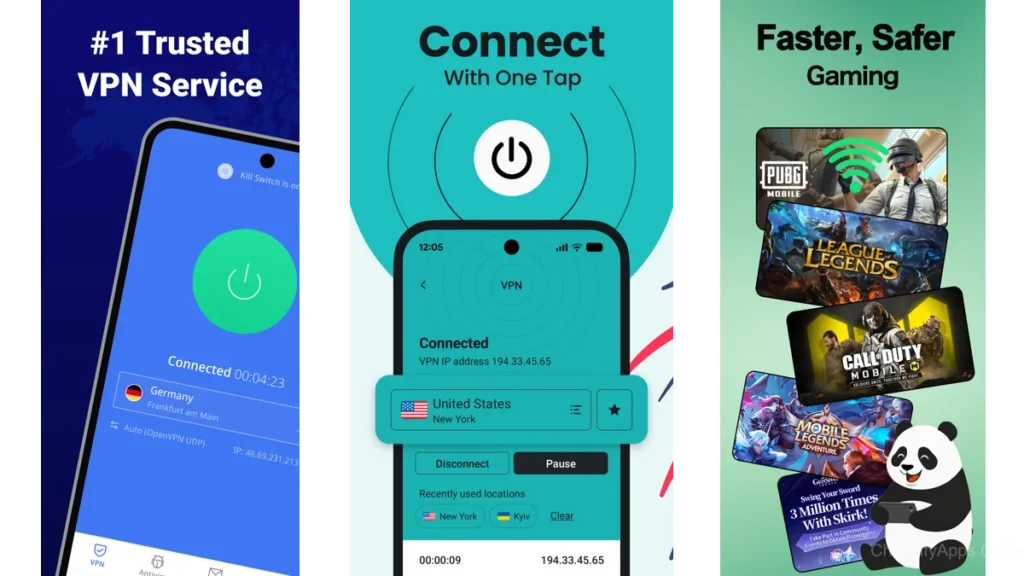
This is the heart of it.
The apps below are often chosen not because they are loud, but because they are livable.
Not perfect.
Livable.
Proton VPN: the room with the soft light
Proton VPN feels like walking into a room where the lights are already set.
Nothing flashes.
Nothing begs.
You’re met with a simple sense of purpose: protect the connection.
On Google Play, Proton VPN shows a 4.7★ rating and 50M+ downloads, which reflects just how many people have tried to make it part of their daily routine.
The experience, for many, is defined by a kind of restraint.
A dashboard that doesn’t insist you explore every corner.
A layout that treats privacy like something serious and steady, not dramatic.
Review sentiment often circles around how straightforward it feels—especially on the free tier—though some people mention moments where connections stall after updates, or where free servers can feel crowded.
Still, if you want a VPN that feels like it was designed by someone who understands mental clutter, Proton VPN is a strong place to begin.
NordVPN: orderly, confident, familiar
NordVPN is widely used, and it shows.
On Google Play, it lists 100M+ downloads and a 4.4★ rating.
Its dashboard tends to feel structured.
Like drawers with labels.
You can do the simple thing quickly.
And if you want more control, you can open the deeper compartments.
Some reviews point to UI changes that made simple actions feel more hidden than before—especially when everyday buttons move around.
That’s the tradeoff with big, evolving apps.
But if you want a mainstream VPN that usually keeps the main flow clean, NordVPN still earns its place here.
ExpressVPN: the single switch on the wall
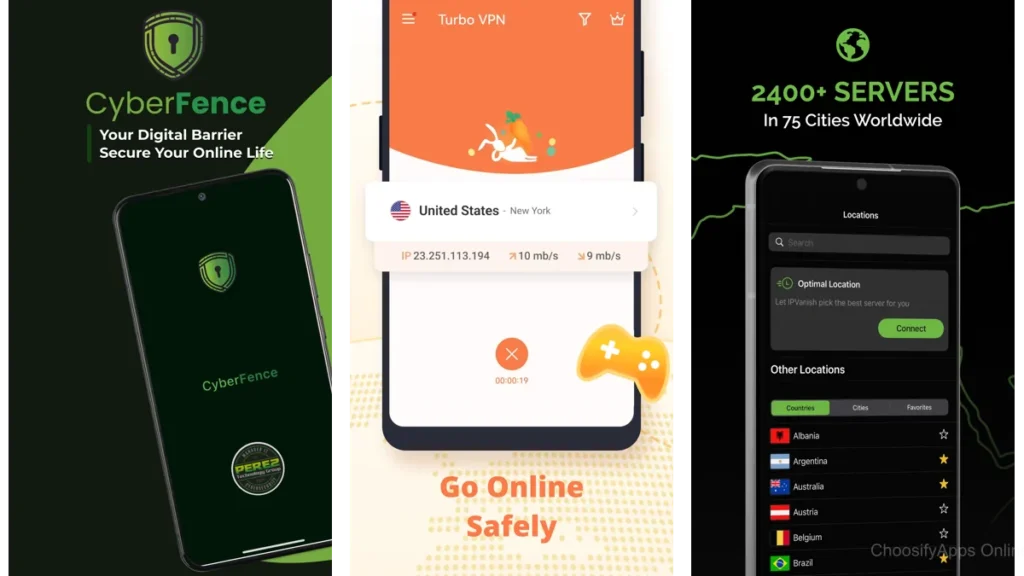
Some apps feel like a control panel.
ExpressVPN tends to feel like a switch.
On.
Off.
Simple.
Its Google Play listing is a reference point for people who care about ease, and it consistently appears among the better-known VPN options.
What matters most for “clean dashboard” seekers is the emotional texture:
You don’t feel like you’re “managing” privacy.
You feel like you’re enabling it.
If you’re the kind of person who wants to spend as little time as possible inside the VPN app, this design philosophy matters.
AdGuard VPN: thoughtful boundaries, clean edges
AdGuard VPN has a quietly practical vibe.
It’s not trying to impress you.
It’s trying to behave.
On Google Play it shows 4.6★ with 10M+ downloads.
What makes it feel “clean” is the way it handles exceptions—those moments when you don’t want everything routed the same way.
Instead of turning into a maze, it gives you a boundary tool: exclusions.
A fence with a gate.
In reviews, you’ll see people appreciating how it pairs nicely with ad blocking and how understandable it is, while also noting occasional drops or speed dips that require a reconnect.
If you like the idea of privacy that feels like tidying, not tinkering, AdGuard VPN is worth a close look.
Windscribe: simple controls, honest layout
Windscribe has personality, but its app experience can still feel contained.
It keeps the daily path clear.
The Google Play listing shows it as a well-used option, and its rating and download figures are available directly on the listing.
The feeling here is “small panel, clear labels.”
Not ornate.
Not sparse to the point of confusion.
Just… understandable.
If you want a VPN that doesn’t pretend to be a lifestyle product, Windscribe can feel refreshingly matter-of-fact.
PIA: plain, sturdy, and adjustable
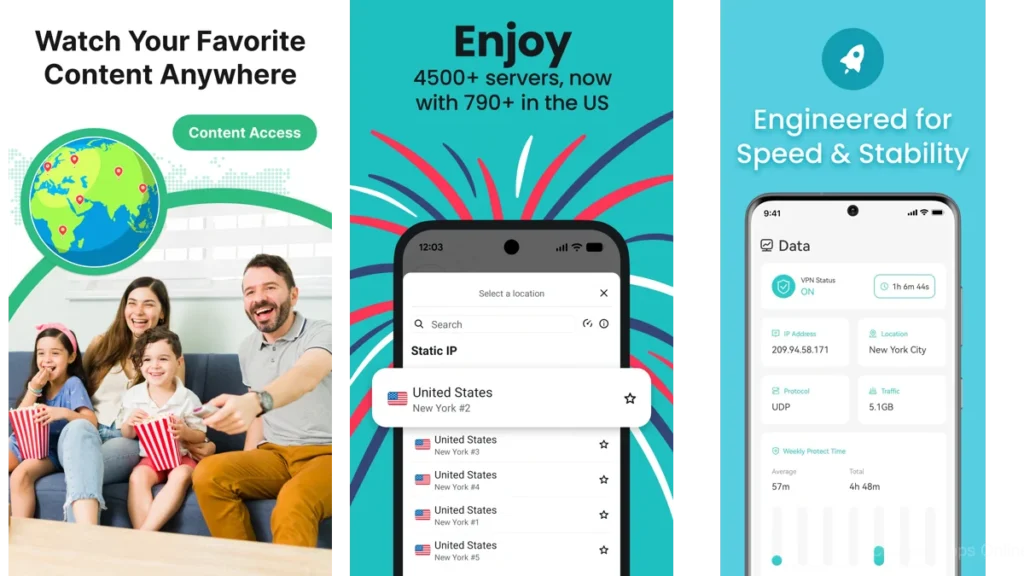
Private Internet Access is not trying to be pretty.
It’s trying to be usable.
And for some people, that is the most calming thing of all.
On Google Play, PIA shows 4.5★ and 10M+ downloads.
The dashboard is steady.
The kind of screen you can glance at and immediately know what state you’re in.
Reviews include both frustration (some sites not working well, occasional sluggish app load) and appreciation for the “simple GUI” and reliable basics.
If you like tools that feel like tools—solid, not shiny—PIA may fit your hands.
hide.me: straightforward, with space to grow
hide.me often feels like it’s meeting you where you are.
It doesn’t assume expertise.
It doesn’t punish you for wanting the simplest path.
Its Google Play listing shows 4.4★ and 1M+ downloads.
The clean-dashboard appeal here is the gentle “one tap” setup narrative.
And the sense that advanced features exist, but don’t crowd the doorway.
Some reviews note the importance of settings like “block non-VPN traffic,” because when a connection drops, you may need to re-engage thoughtfully.
It’s a reminder: calm design works best when it also communicates clearly.
When “clean” comes with extra baggage
Some VPNs keep a clean dashboard, but they bring more with them.
Extra tools.
Extra tabs.
Extra decisions, if you go looking.
Surfshark: modern, but more layers
Surfshark’s interface is polished and current, with a clear main flow.
On Google Play it shows 4.5★ and 10M+ downloads.
But Surfshark also bundles additional security and identity features into the experience, which can make the app feel heavier than a “VPN only” tool.
If you’re someone who likes an all-in-one suite, this can feel reassuring.
If you’re easily overloaded, you may want something quieter.
Hotspot Shield: fast-feeling, sometimes busy
Hotspot Shield emphasizes speed and simple connection, and its Google Play listing provides its rating and downloads.
The dashboard is usually clear.
But the overall tone can feel more energetic than minimalist—more prompts, more “try this” moments.
Still, if what you need is a quick, obvious switch and you don’t mind a slightly busier environment, it can work.
Bitdefender VPN: security polish, simple surface
Bitdefender VPN often feels like it came from a security company that understands structure.
The listing provides its rating and downloads.
For people already living in Bitdefender’s ecosystem, this can feel like keeping everything in one cabinet.
Not scattered across the house.
Lightweight, friendly, and a little different
TunnelBear: playful simplicity (with mixed reliability)
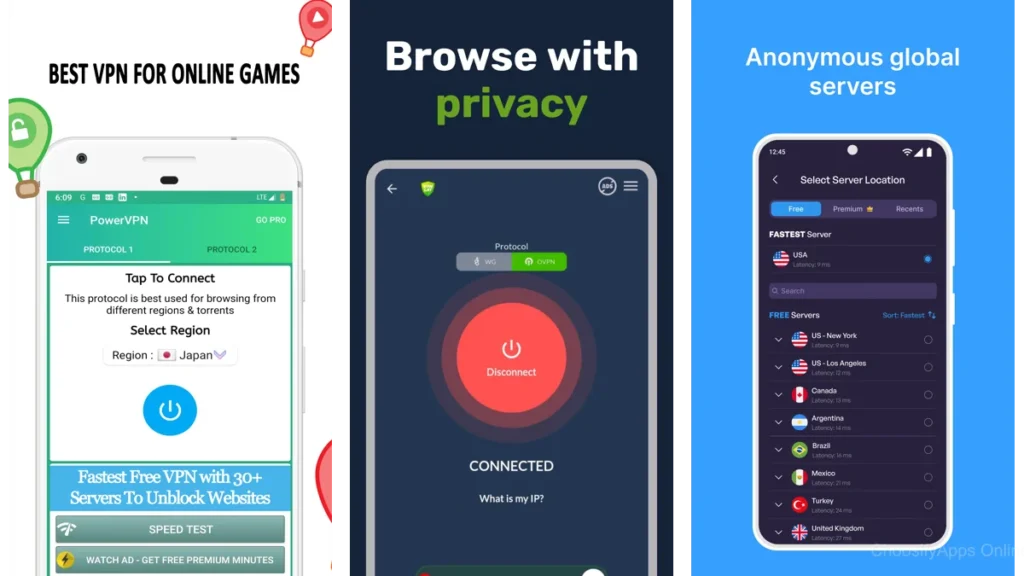
TunnelBear is one of the most approachable VPNs on the surface.
It’s also one of the clearest examples of a dashboard that doesn’t feel like work.
On Google Play it shows 3.8★ and 10M+ downloads.
But reviews are mixed, and reliability complaints appear more frequently than with some others—connection issues, inconsistency, and frustration when it doesn’t clearly report what’s happening.
It’s friendly.
Sometimes too fragile.
PrivadoVPN: minimal steps, minimal fuss
PrivadoVPN’s listing provides its rating and downloads.
The appeal is the short path.
Fewer decisions.
A simpler front door.
If you want something that feels light and you don’t need a deep settings universe, it can be a reasonable starting point.
Mozilla VPN: calm intention, mixed reception
Mozilla positions its VPN around an “intuitive user experience.”
Its Google Play listing provides the current rating and downloads.
But the broader sentiment is more mixed than the top-tier “quiet dashboard” favorites.
If you’re choosing primarily for calm, you may want to compare it directly with Proton VPN’s more consistently minimalist feel.
Aloha VPN: ultra-light privacy, not a full workspace
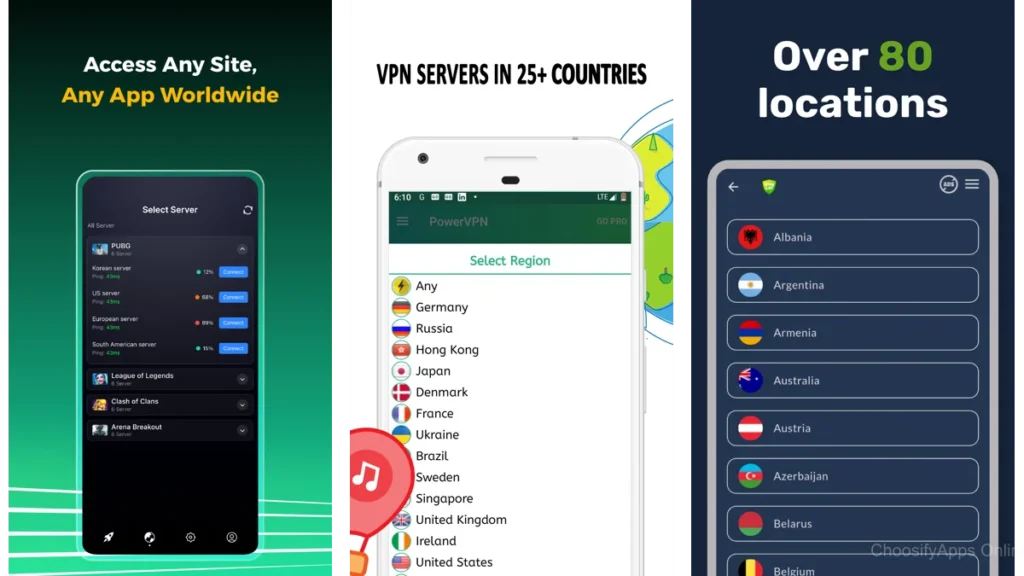
Aloha VPN is very lightweight.
Its listing provides rating and downloads.
But it’s best understood as a simple privacy layer—not always a full, robust VPN experience in the way dedicated VPN leaders present themselves.
If you want the lightest possible tool, it can feel appealing.
Just keep expectations aligned.
A small comparison table in plain language
| If you want… | It tends to feel like… | Start with… |
|---|---|---|
| The quietest dashboard | A dim room, one lamp, one switch | Proton VPN |
| Mainstream polish + structure | A tidy drawer system | NordVPN |
| Gentle control without clutter | A boundary line you can redraw | AdGuard VPN or PIA |
Which one should you choose?
This part is simple.
Because you’re the one who has to live with the screen.
If you want the quietest interface
Choose Proton VPN.
It’s the one that most consistently feels like it was designed to reduce friction rather than add polish.
If you want “set it and forget it”
Choose ExpressVPN or NordVPN.
They’re built for the broad middle: people who want the main button to be obvious and the experience to be familiar.
If you want gentle control without clutter
Choose AdGuard VPN, PIA, or hide.me.
These are the apps that tend to give you “small rules” without turning your phone into a dashboard job.
If you’re sensitive to upsells and add-ons
Lean away from suites that bundle many extras into the interface.
Surfshark can be excellent, but it may feel like a room with more furniture.
If you’re already mentally full, fewer layers can be kinder.
Practical advice that keeps the peace
Two-minute setup ritual
- Install the VPN.
- Turn on the kill switch / always-on option if you understand what it does.
- Pick one default location (or “quick connect”).
- Leave the rest alone.
That’s it.
A calm tool works best when you don’t keep reopening it to “improve” it.
The “don’t tinker” rule
A clean dashboard is a promise: you shouldn’t need to babysit it.
If you find yourself constantly adjusting servers, toggles, exclusions, and modes, consider switching apps.
Not because you failed.
Because the tool is asking too much of you.
How to tell when a VPN is the wrong one
- You dread opening it.
- It hides the basic button you need.
- It interrupts you with urgency that isn’t real.
- It makes you feel behind, rather than protected.
When an app adds mental noise, it’s not a neutral cost.
It’s a daily tax.
Conclusion
A good VPN doesn’t feel like a lifestyle.
It feels like a closed door.
Not isolating.
Protective.
A clean dashboard is more than design.
It’s relief.
It’s space.
It’s your attention staying where your life is, instead of being pulled into yet another screen.
If you’re tired, choose the app that asks the least of you.
Then let it do its job.
And let the rest of the day be a little quieter.
FAQ
1) Do I really need a VPN, or is this just extra complexity?
If a VPN makes you feel more overloaded, it can be the wrong moment to add it.
But if you use public Wi-Fi often, a calm, simple VPN can be a small layer of reassurance.
2) What’s the simplest VPN app experience on Android?
For many people who want minimal, steady design, Proton VPN tends to feel the quietest.
3) Which VPN feels “clean” but still gives me control?
Apps like AdGuard VPN and PIA often balance clarity with optional control—without crowding the home screen.
4) What is Google Play’s “Verified” badge for VPNs?
It’s a Google Play program meant to highlight VPN apps that meet specific privacy and security requirements, making it easier to spot more trustworthy options.
5) If a VPN app has lots of downloads, does that mean it’s safe?
Not always. Downloads can signal popularity, but trust is built from clear policies, reputable developers, and strong platform signals. Popularity is a clue, not a guarantee.