The call begins.
A familiar face appears.
Then the pause.
The small freeze.
The wheel turning.
For many people, video calls are not just conversations.
They are calculations.
Minutes, megabytes, signal bars.
Not everyone has unlimited data.
Not everyone wants to think about it while trying to talk to someone they care about.
This article is for those moments.
For people who want the call to feel lighter.
Quieter.
Less demanding.
Some apps shout.
These do not.
A Quiet Problem Many of Us Carry
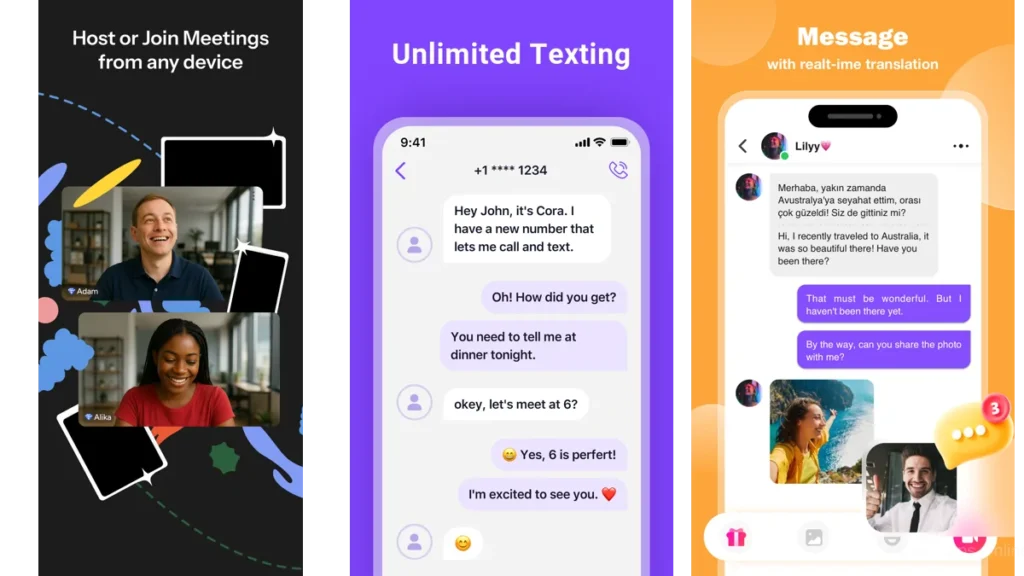
When video calls feel heavier than they should
Video calling promised closeness.
But somewhere along the way, it also brought tension.
Will this drain my data?
Will the call drop?
Should I turn off my camera?
These thoughts sit quietly in the background, stealing attention.
Good technology should remove that weight.
Not add to it.
Data limits as a form of background stress
Data limits rarely announce themselves.
They hover.
A soft pressure that changes how long we talk.
How often we connect.
Whether we turn the camera on at all.
Apps that use less data don’t solve everything.
But they ease the pressure.
And sometimes, that’s enough.
What “Low Data” Really Means

Not sharper, just steadier
Low-data apps are not chasing perfection.
They are not trying to deliver cinematic quality.
They aim for something quieter.
A stable image.
A steady voice.
Enough to feel present.
Compression, restraint, and intentional design
Behind the scenes, these apps compress video gently.
They adapt to weak signals.
They lower quality without making it obvious.
Restraint is the feature.
Why silence sometimes matters more than clarity
A perfectly sharp image that drops every few seconds is exhausting.
A softer image that stays is comforting.
Low-data apps understand this trade.
The Feeling of a Lightweight Call
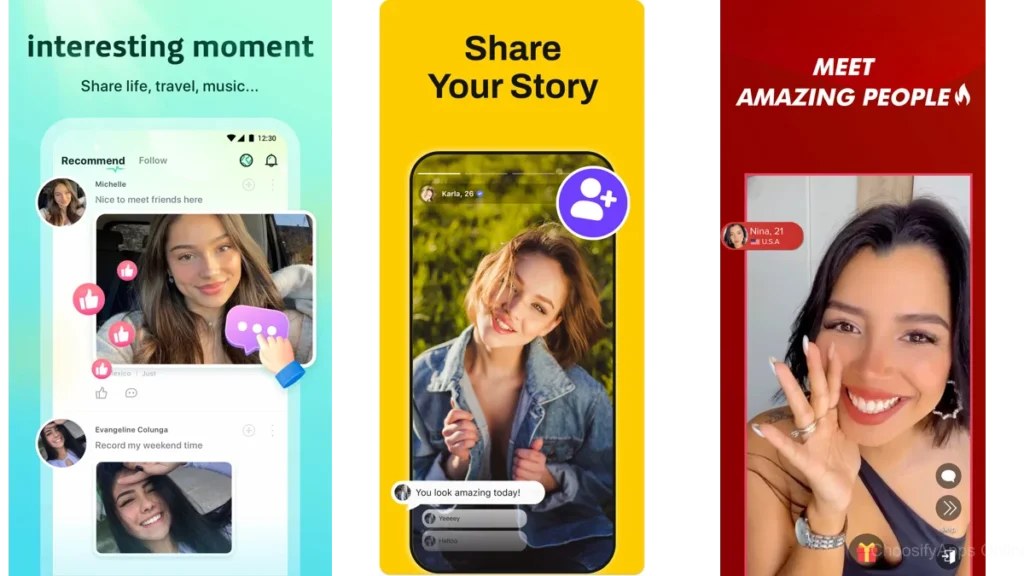
Less buffering, less self-conscious waiting
When a call works well on limited data, you stop noticing it.
You stop apologizing for lag.
Stop repeating yourself.
You breathe again.
How good apps fade into the background
The best ones don’t announce themselves.
They sit quietly, like a well-placed lamp in a room.
Useful.
Unobtrusive.
Apps That Respect Your Connection
WhatsApp — Familiar and forgiving
WhatsApp feels like a room you already know.
It adjusts quietly to weaker networks.
Its data-saving option lowers video quality without fuss.
For many people, it’s the easiest way to make a call without thinking.
It doesn’t demand attention.
It simply works.
imo — Built for fragile networks
imo was designed with instability in mind.
It connects where others hesitate.
It keeps calls going on older networks and limited data plans.
The interface is simple.
Almost plain.
That simplicity is intentional.
Signal — Privacy with restraint
Signal is careful.
About privacy.
About resources.
Calls feel calm.
Minimal.
There’s no excess here.
Just the essentials, handled gently.
Telegram — Flexible, when configured gently
Telegram can be heavy.
But it doesn’t have to be.
With the right settings, video calls adapt well to weak connections.
It gives control back to the user.
Which is rare.
GoChat — Simple, utilitarian, modest
GoChat doesn’t try to impress.
It offers video calls that stay stable when switching networks.
No polish.
No performance.
Just function.
Smaller video-first apps — Quiet tools with narrow focus
There are lesser-known apps built specifically for low data use.
They lack large communities.
They lack shine.
But they do one thing well.
They make the call possible.
A Plain-Language Comparison
| App | How it feels | Best for |
|---|---|---|
| Familiar, steady | Everyday calls | |
| imo | Reliable, forgiving | Weak networks |
| Signal | Calm, minimal | Private conversations |
No numbers.
No specs.
Just how they behave.
Which One Should You Choose
For limited data plans
WhatsApp or imo.
They compress quietly and adapt without asking.
For unstable connections
imo stands out.
It was built for uncertainty.
For emotional ease, not features
Signal.
It steps aside once the call begins.
Practical Ways to Use Less Data (Without Thinking About It)
Small settings that make a real difference
Turn off HD video.
Lower call quality when possible.
These settings are easy to forget.
But they matter.
Habits that quietly protect your bandwidth
Shorter calls.
Audio-only when video isn’t needed.
Wi-Fi when available.
No discipline required.
Just awareness.
Letting Technology Step Aside
When the call ends and the room feels quiet again
A good call doesn’t linger.
It ends cleanly.
No overheating phone.
No drained data.
Just space.
Conclusion
Minimalism isn’t about removing technology.
It’s about letting it do its job, then disappear.
Low-data video call apps create room.
For conversation.
For attention.
They don’t demand more than you can give.
And when the call ends,
the quiet returns.
Frequently Asked Questions
Do I need special settings to save data?
Often no. But checking call quality settings helps.
Is audio-only better than video for saving data?
Always. Video adds weight. Audio travels lighter.
Can I make group calls with low data apps?
Yes, but smaller groups work best for keeping data use low.
Are these apps safe to use?
Yes. Especially apps like WhatsApp and Signal, which prioritize encryption.
Do low-data video call apps reduce video quality a lot?
They reduce it gently. Enough to stay stable, not enough to distract.